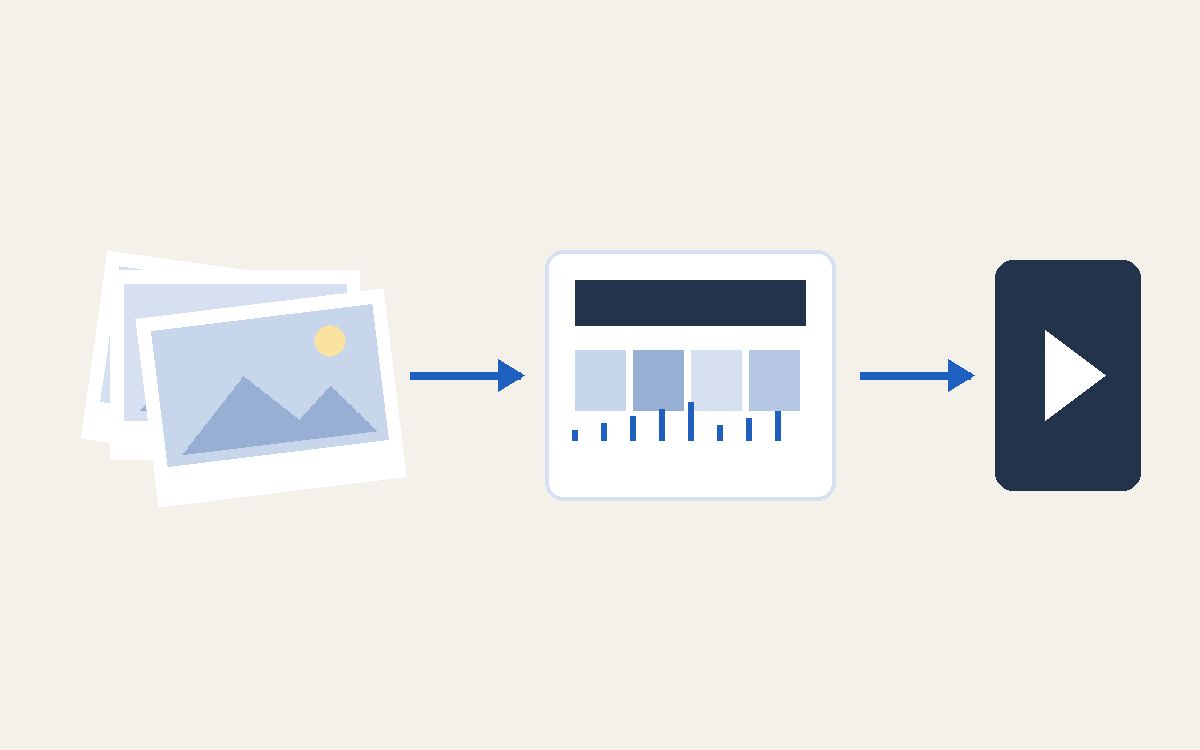
A family video from clips and photos
Photos and phone clips become a short edited film with a title, slow movement on the photos, the clips' own sound and the music you choose. Nobody edits by hand.
First give Claude the recipe, then ask
- The recipe is the skill
family-video. It sits in Frank's skills and is not yet in the public pack. - Then say:
make a nice family video from this folder.
What Claude does
- Sorts the photos and clips by the time they were taken, converts iPhone photos, and sets aside blurred shots and near-duplicates.
- Looks at every photo and at frames from each clip, and chooses the best moments and the story order.
- Asks first, with buttons: screen or phone format, a target length (from 45 seconds to several minutes), how many pieces of music and where each comes from, the title, and the names in the order of the faces.
- Shows one still per scene on a single sheet, in story order, and waits for your OK before anything moves: fixing a still takes seconds, fixing a render means rendering again.
- Edits the film in Remotion: slow zoom on the photos, clips with their own sound, soft crossfades, and cuts on the beat when there is music.
- Renders the file on the Mac and takes changes in words, such as "longer on the tent" or "another song".
Music
- Your own song file works best. A song streamed from Apple Music or Spotify cannot go into a video: buy it as a file, for example on the iTunes Store.
- A free track you choose from a free music library.
- A track made to order in a mood you describe, with ACE-Step. This is the only step that uses an outside service, and Claude asks before it.
- Or only the natural sound of the clips.
Tools in the sequence
- FFmpeg converts and trims the clips.
- Remotion makes the edit, the titles and the render.
- ACE-Step, only for music made to order.
Privacy
- Family photos and clips stay on the Mac: no upload, no online editor, no cloud rendering.
- A film shared privately can carry a bought song. On YouTube or Instagram the song may be detected and the sound muted.
A product video instead
- For a product film, a service explainer or a launch video, follow A product video: the same engine, plus a reference film, three storyboards and stills before anything moves.