Chatbooks
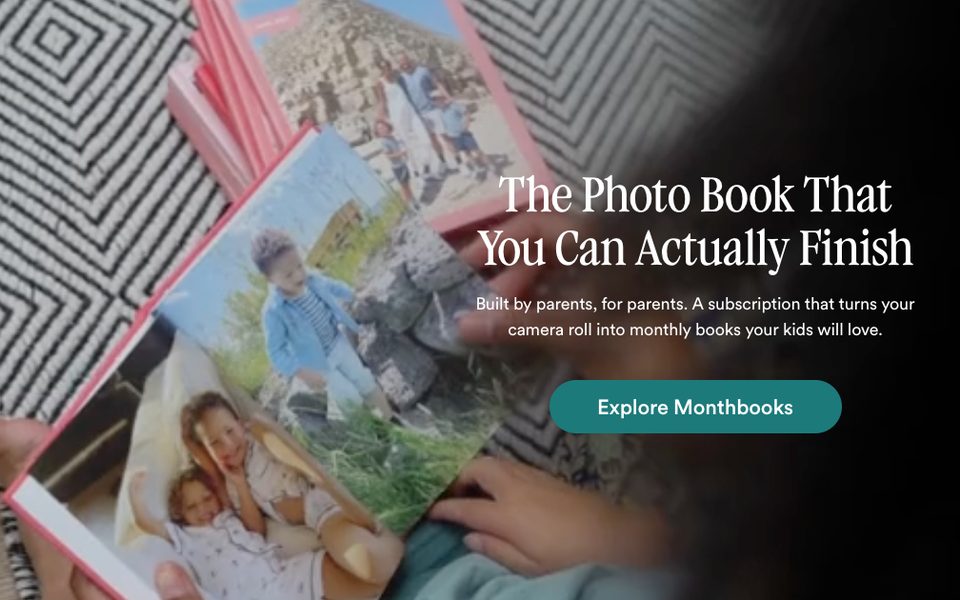
chatbooks.comOne family photograph fills the frame and the words sit on the picture.
The app would copy: every step sets its question and buttons over one of the folder's own photos.
Squoosh
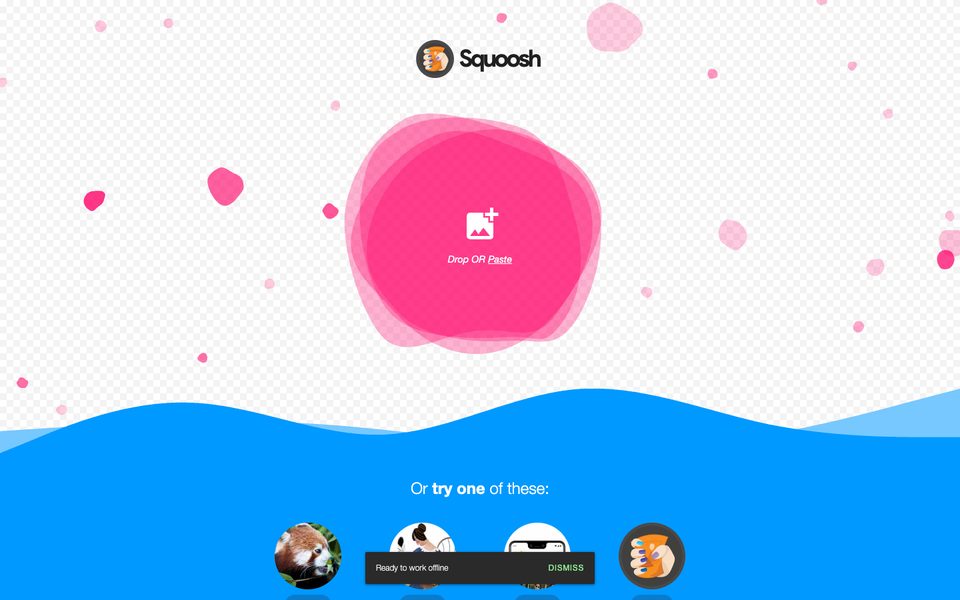
squoosh.appThe whole first screen is one large drop target, with a few ready examples under it.
The app would copy: step 1 opens on a single target for the folder, then the photos and clips spread into the grid.
1 Second Everyday
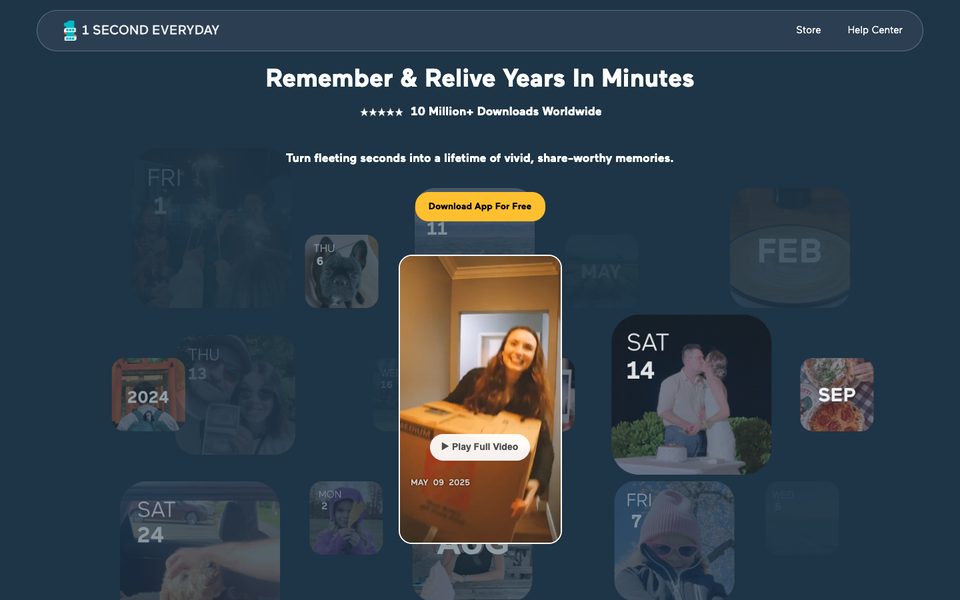
1se.coClips shown as dated tiles, with one playing large in the middle.
The app would copy: the grid labels each photo and clip with its date and enlarges the one you touch, on a light ground.
Apple Store, buy MacBook Air
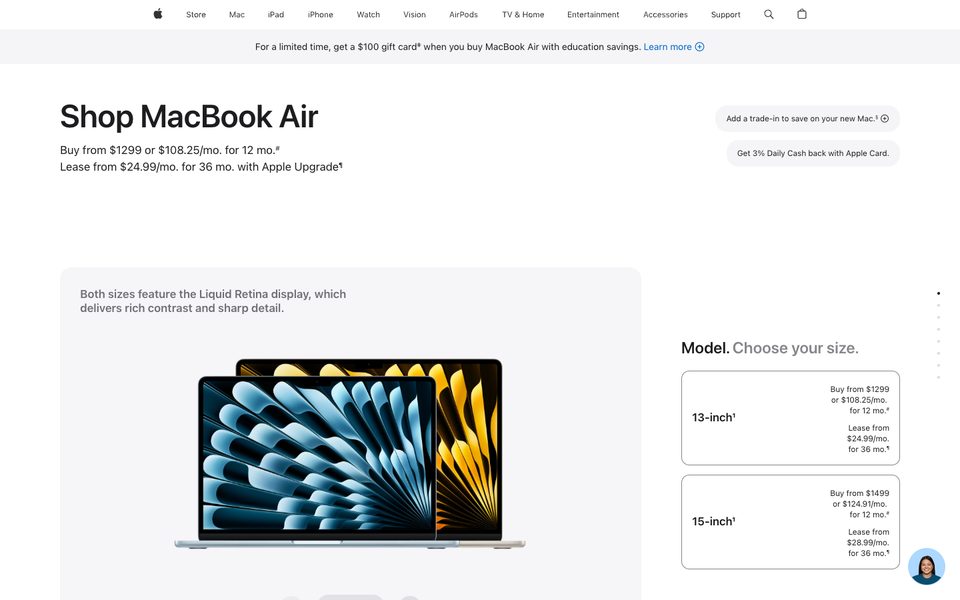
apple.com/shop/buy-mac/macbook-airThe picture stays on the left while one choice at a time fills the column on the right.
The app would copy: format, length and music as large choice boxes beside a preview frame that updates.
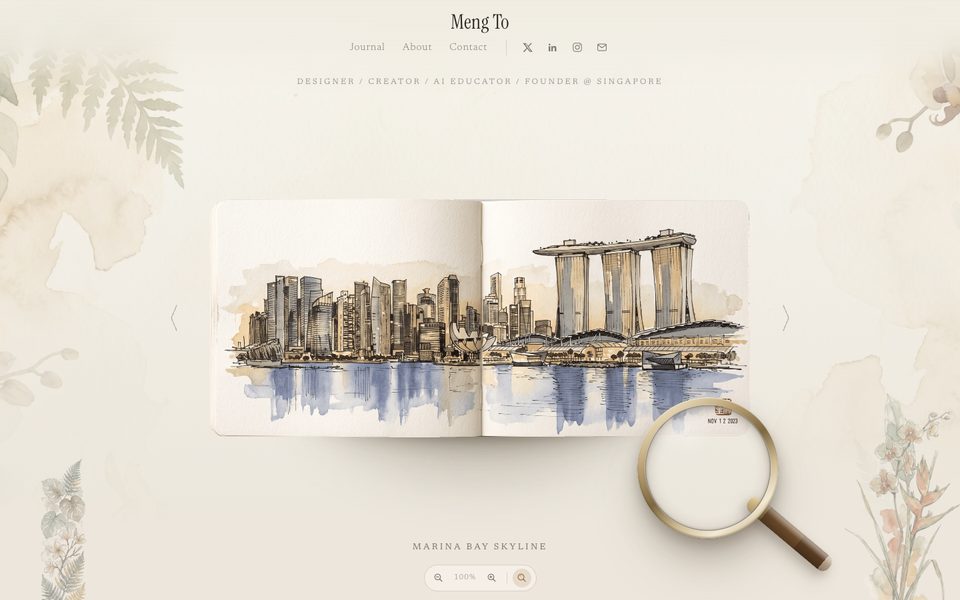
Sketchbook, by Meng To
mengto.github.io/sketchbookA book open on the table, turned page by page.
The app would copy: the six steps as spreads of a family album, turned to move on.
Already in the studio sources
Descript
descript.comEdit a video by writing to a co-editor panel beside it.
The app would copy: step 6 plays the film with a panel for changes in words, on a light ground.
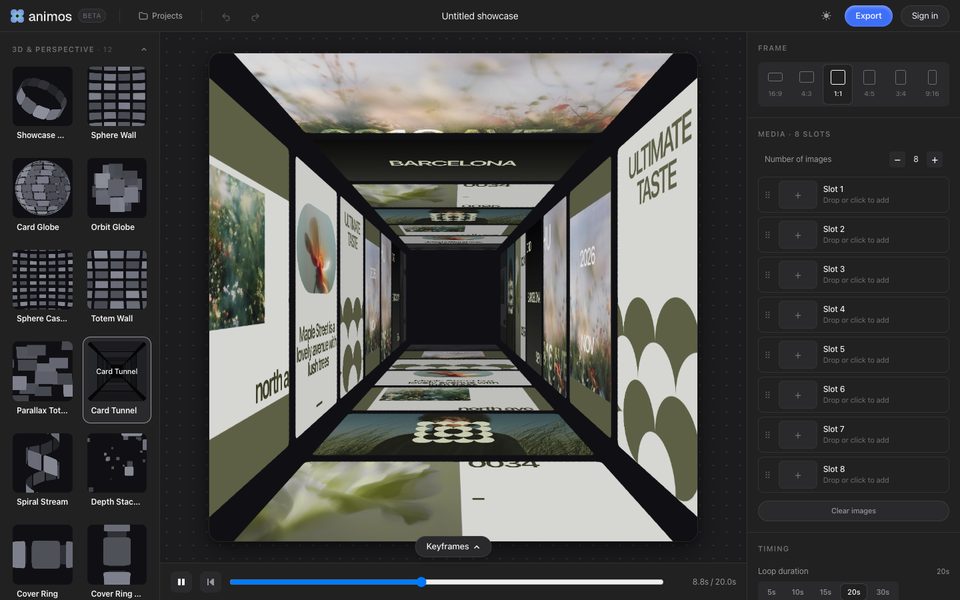
animos, card tunnel
animos.app/editorPictures line the walls of a tunnel the camera flies through.
The app would copy: step 5 flies through a tunnel made of the family's own photos while the film is made.
Studio shelf, ways of presenting images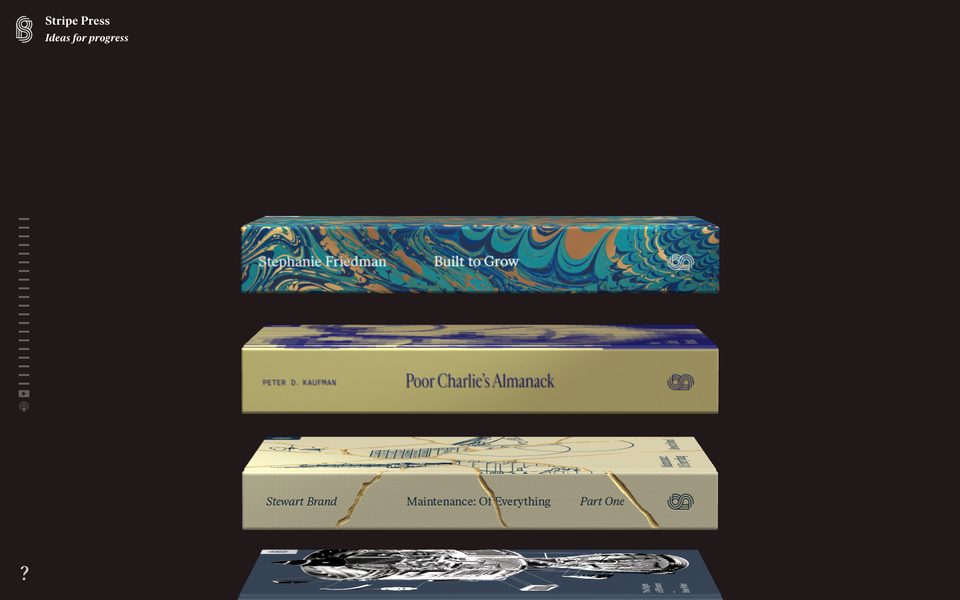
Stripe Press
press.stripe.comA vertical stack of objects, each in its own colours, opened one at a time.
The app would copy: the film versions in step 6 as a stack of objects tinted from their cover photo, on a light ground.
Liked bank. Already shown for the Simón page, 12-08-2026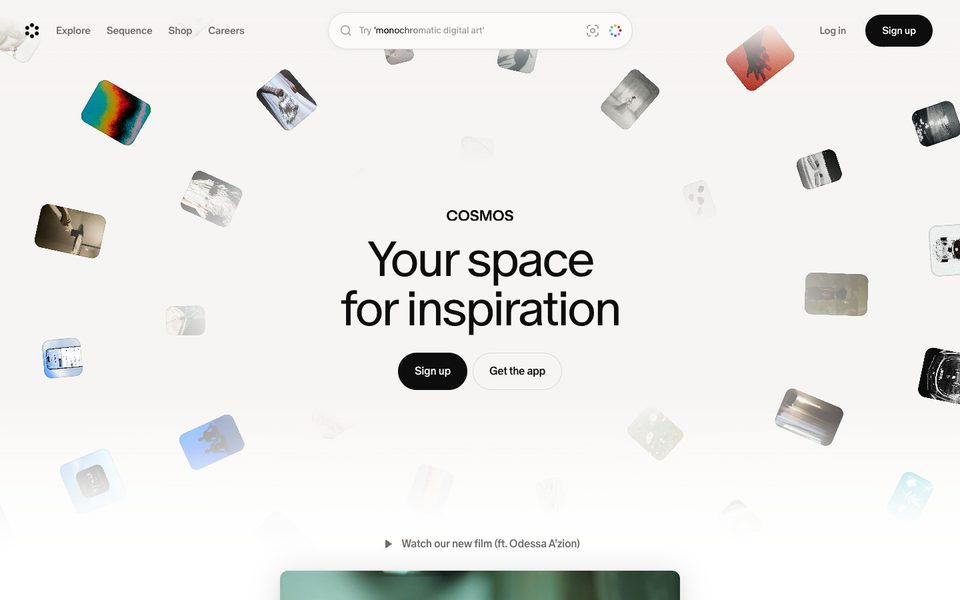
Cosmos
cosmos.soPhotos drift in a white room around one sentence and two buttons.
The app would copy: the opening screen floats the folder's photos at the edges around one question.
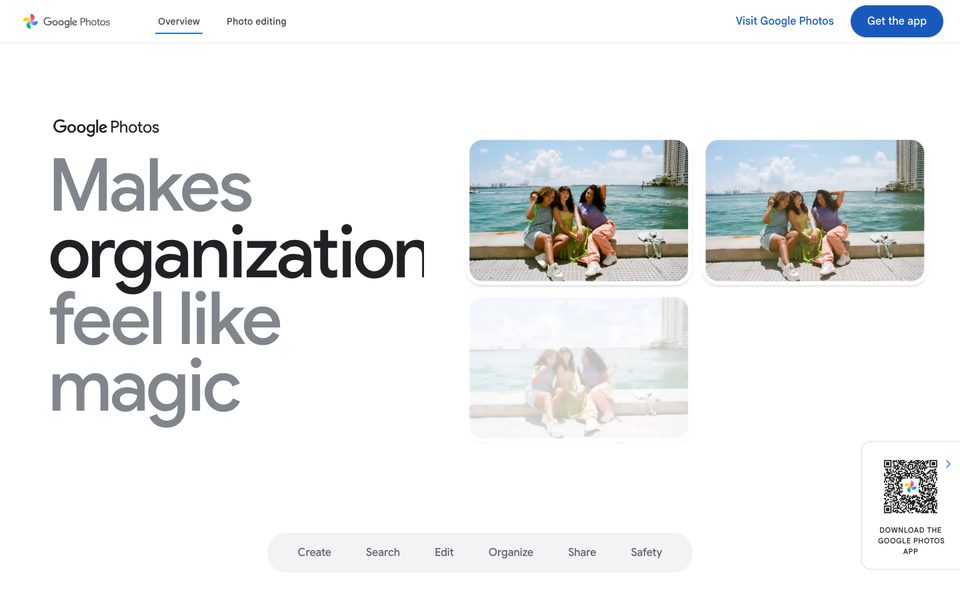
Google Photos
google.com/photos/aboutWords set as large as the photographs beside them.
The app would copy: step 4 shows the title and names at full size next to the photo they will sit on.