 README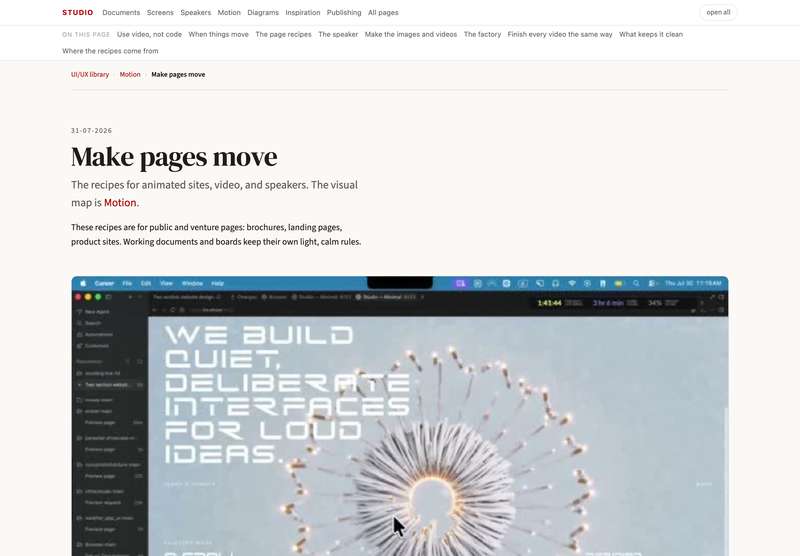

Entrance
On load. One choreographed sequence, then still: background fades, the subject rises with a little scale, chrome staggers in, an accent line grows from the left.
Delay table:  Marcus prompt
Marcus promptEffect and interaction banks (motion.dev, reactbits, motion-primitives…) live in  Inspiration → Design resources.
Animated sites, video, and people in the page.

A person on the page, no frame. She stands over the letters, part of the design. What we want for Valentina. Recipe · Valentina plan

Simple text over a moving video. The video is made by AI; scrolling moves it. The page itself stays plain. Recipe · How it was built, step by step

motionsites.ai, the model to copy. A shop of ready prompts for pages like these. We took their methods apart. What we learned
To build a page like these: take a recipe from the index below. To make a person speak on a page: the photo-avatar-video skill. The full rules: motion-design.html.
To make this photo speak: give your Claude the recipe, then ask
First, once per machine. Your Claude does not know this recipe until you give it to it. The recipe is a small file called photo-avatar-video. Install it with one command in your Claude Code:
npx skills add gfrankgva/studio-skills
Or take the file yourself:  download photo-avatar-video and put it in
 ~/.claude/skills/photo-avatar-video/. More ways, and what else is in the pack: further down this page.
Then just ask, in your own words: « Make this photo speak this text. »
scrollcraft (skill, installed 22-08-2026, MIT — repo). It builds a whole landing page in which the wheel is the timeline: video scrubs frame by frame, sections pin and advance, rails pan sideways, headlines assemble line by line, the ground changes colour as you travel. It asks first what the page is, what the visitor must believe by the end, and what pictures you already own; then it picks the page grammar and one signature move, so two pages never share a skeleton. It photographs its own scroll and shows the strip as proof.
What we keep from it, and what we do not. Bring our own photographs — it can also generate them through a paid service, and we do not pay for that by default. Its own taste is dark and filmic; our ground stays light, and its one reference build with no generated imagery is the model to copy. It is for a page that must be an experience: a product, a service, a venture cover. A page that teaches or that is printed stays a document.
Every document of this capability, one line each. This is the one home; every document links back here.
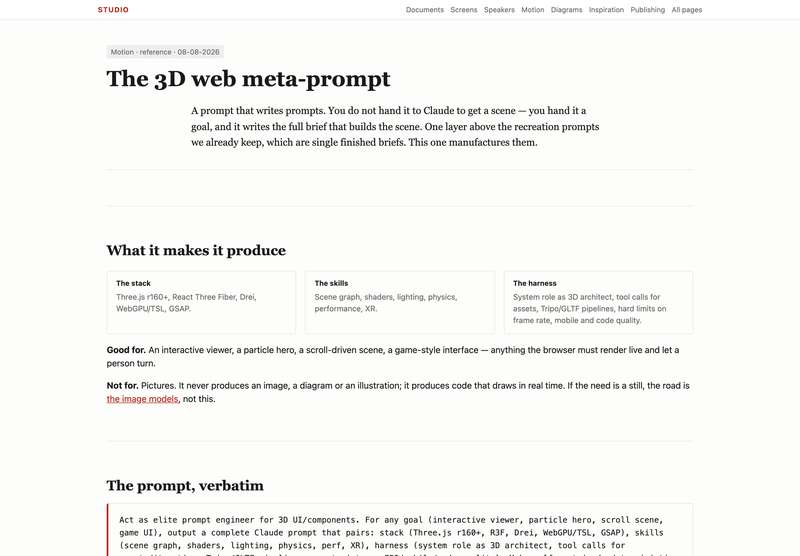 The 3D web meta-prompt
A prompt that writes the build brief for a live 3D scene (Three.js, R3F, WebGPU, GSAP). Frank, 08-08-2026
The 3D web meta-prompt
A prompt that writes the build brief for a live 3D scene (Three.js, R3F, WebGPU, GSAP). Frank, 08-08-2026
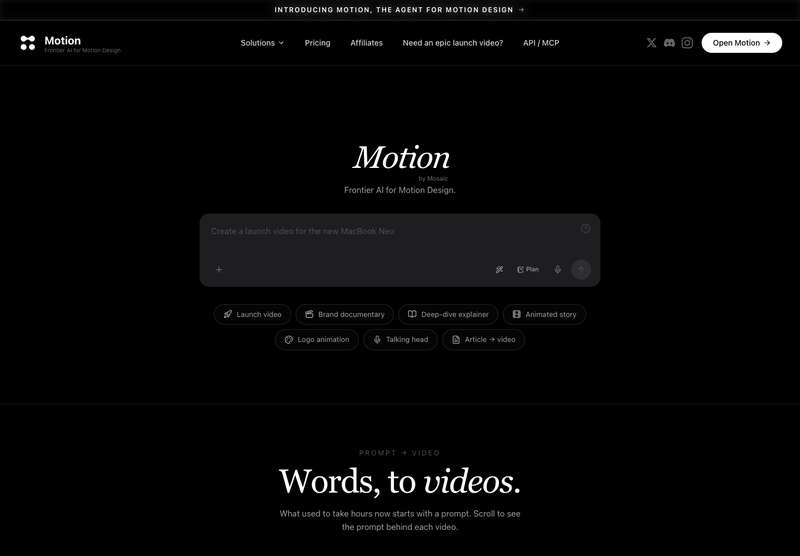 motion.so
Text to motion-design video, callable from Claude over MCP: launch videos, product demos, explainers, logo animations, article to video. Fills the gap our own factory does not cover, animated type and product scenes rather than speakers. MCP registered, waiting on Frank's one-time browser authorization.
motion.so
Text to motion-design video, callable from Claude over MCP: launch videos, product demos, explainers, logo animations, article to video. Fills the gap our own factory does not cover, animated type and product scenes rather than speakers. MCP registered, waiting on Frank's one-time browser authorization.
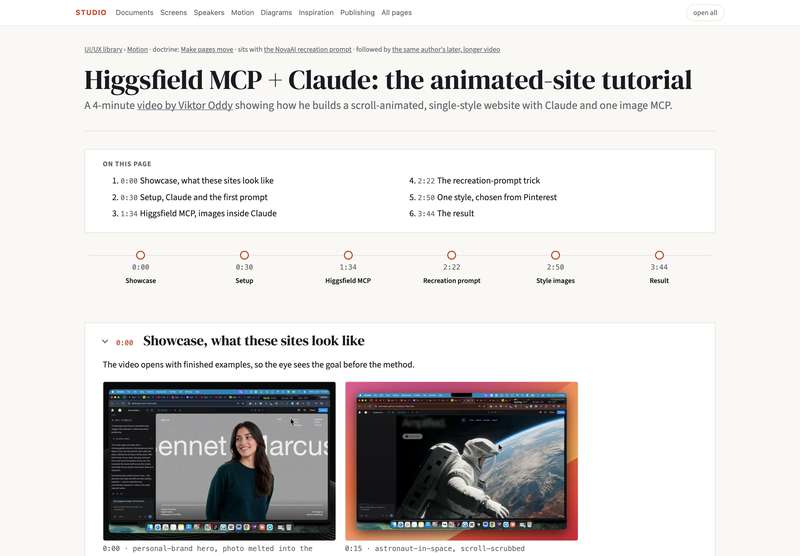 Higgsfield plus Claude, the tutorial
Higgsfield MCP plus Claude, a tutorial summarized with thumbnails.
Higgsfield plus Claude, the tutorial
Higgsfield MCP plus Claude, a tutorial summarized with thumbnails.
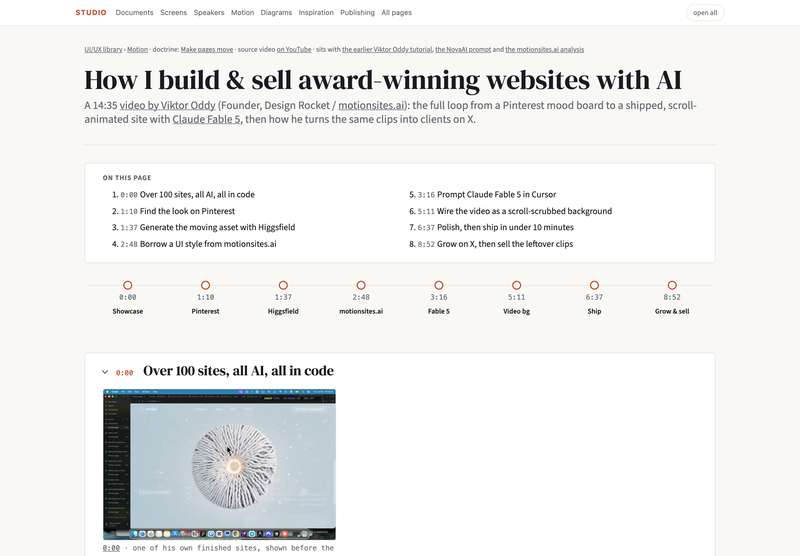 From mood board to shipped site
The same author's full loop, start to finish.
From mood board to shipped site
The same author's full loop, start to finish.
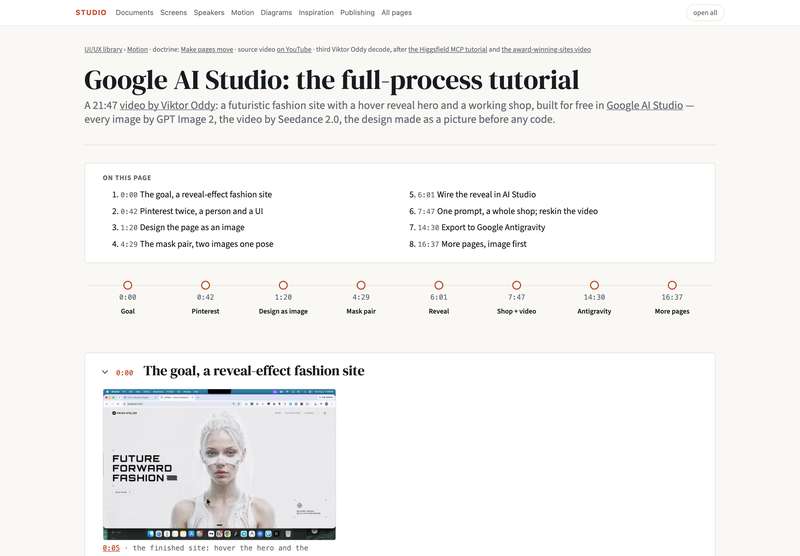 The design as a picture before any code
The same author's Google AI Studio process.
The design as a picture before any code
The same author's Google AI Studio process.
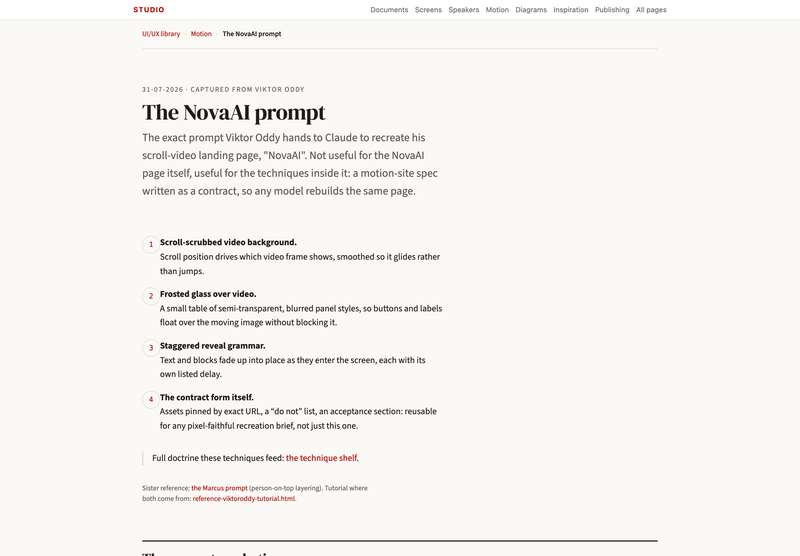 Scroll-scrubbed video and the glass system
A verbatim build spec.
Scroll-scrubbed video and the glass system
A verbatim build spec.
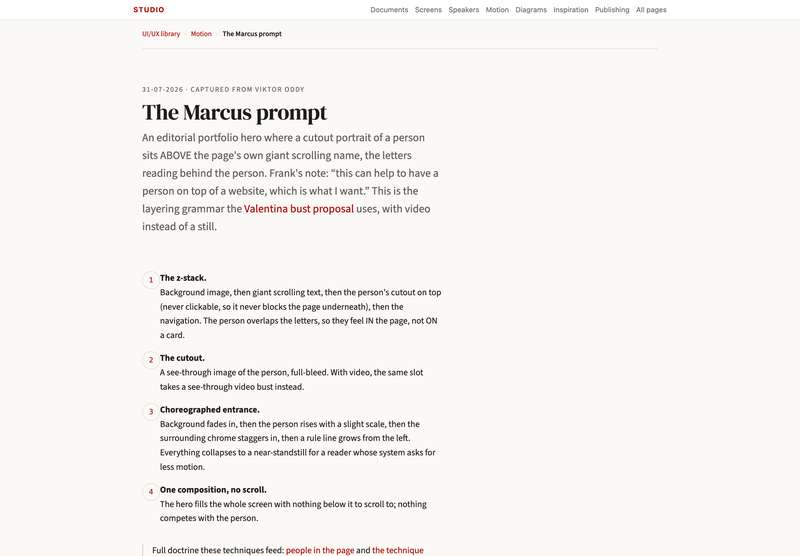 Person-on-top layering and entrance timing
A verbatim build spec.
Person-on-top layering and entrance timing
A verbatim build spec.
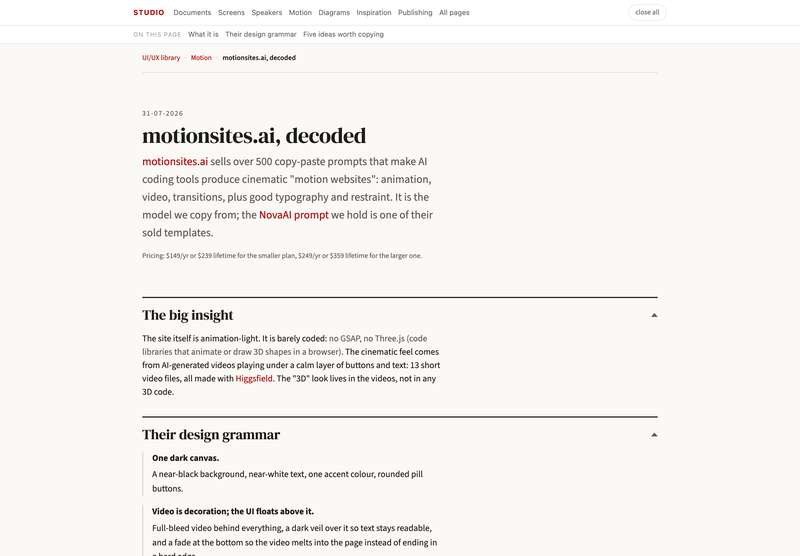 The reference business, taken apart
Down to its code.
The photo-avatar-video skill
The method: one photo becomes a talking bust on a page.
The engine
Its engine code. private repo
The reference business, taken apart
Down to its code.
The photo-avatar-video skill
The method: one photo becomes a talking bust on a page.
The engine
Its engine code. private repo
One studied example, measured rather than guessed:  Code Wiki (Google) — codewiki.google, banked 14-08-2026.
There is not one light in its scene. No ambient, no directional, no shadows, no environment map, no tone mapping. Every glow is a Fresnel term in a shader: bright where a surface turns away from the eye, dark where it faces you. And there is no 3D model either — twenty-eight flat rectangles and twenty-eight sets of lines, tilted, seen through a 30° lens that keeps perspective calm. Thickness comes from rendering the back faces to a texture and sampling it in the front pass. The canvases never take a click; the real interface sits above them in plain HTML.
What we refuse from it: its black ground. A rim light does not survive a white page unchanged — on a light ground the rim becomes a shadow edge and the pool of light becomes a soft shade, which is real work and must be tried on one panel before it is promised. Full note with the shader line, the measurements and the captures: the model note.
Every motion belongs to exactly one moment. A page uses few of each, restraint is the difference between cinematic and slop. Always: prefers-reduced-motion: reduce collapses everything to about 0ms. Motion is a gift, never a toll.
On load. One choreographed sequence, then still: background fades, the subject rises with a little scale, chrome staggers in, an accent line grows from the left.
Marcus promptAs the reader moves. Reveals fade up on threshold, staggered per sibling; scroll-scrub drives a background video's timeline from scroll position. Premium, flagship pages only.
NovaAI promptAlways, slowly. A muted background loop, a slow marquee, a gradient drift on one headline word. Slow enough that the eye can ignore it if it wants to.
motionsites analysisOn touch. Colour transitions of about 300ms, chevrons nudging a couple of pixels. Nothing larger than that.
motion-design.html §2Three levels, each melting the person further into the design. Higher on the ladder is not always the right choice, it is the more capable one.
A circular photo with a pulsing voice aura. Cheap, calm, proven: Valentina on azfa.eregistrations.dev, the OBFC copilot on businessregistrations.gov.ls, Grace's presenter bubble in Lesotho.
A transparent PNG of the person layered above the page's own typography. The person overlapping the letters is what makes them part of the page, not a photo in a frame. Z-stack: Marcus prompt.
A lip-synced video of the person, transparent background, borderless, speaking the page's own narration. Pipeline: photo-avatar-video skill. First application: the Valentina bust proposal.
The framed alternative, a rectangular presenter video as in the Lesotho hero, is level 0: it works, but the frame says "advertisement" while the melt says "guide".
What keeps it ours, not slop.
This whole page is a skill — a small file of instructions their own assistant reads and follows: one photo becomes a talking bust on a page. They install it once; after that they simply say what they want, in their own words, and their assistant does it — on their own machine, with their own accounts, nothing of Frank's.
One command, in their Claude Code:
npx skills add gfrankgva/studio-skills
That installs this skill together with the studio's six others.
Or take the file itself: download the skill (one file, put it in their ~/.claude/skills/photo-avatar-video/) · read it on GitHub · the whole pack.
Without the skill it still works — the method on this page still works by hand. The skill only means their assistant already knows it.