Putting it online
The one question. Does the address have to be yours? If yes, it goes on your own server. If not, and it is one page, it takes a link in ten seconds.
The law of every road. Check the LIVE address, never the file on the Mac, and give Frank the link, never a path.
The three roads
share.eregistrations.dev
Say « publish this » and the page gets a link, with a name you choose: /d/my-page. The same link updates forever when the page changes, so a document can be sent once and corrected afterwards.
Free, no server work, no waiting. The skill is share; the token that publishes lives on the Mac.
Not for: a page with a download button, because it runs in a sandbox that blocks them. And not for anything private: whoever holds the link reads it.
studio.smartrules.ai
The studio is a live public site. Editing a page here changes nothing anyone can see until it is published, and that is publish.sh: it stages a copy, repairs the links that point at the Mac, uploads, and then checks every page on the live site.
--dry shows what would change without uploading anything.
Remember: a link to a file on the Mac cannot survive publishing. It becomes plain grey text, on purpose, rather than a broken link.
Your two servers
louis carries smartrules.ai, the studio, voxpopuli.one. hetzner carries smartrules.org, eregistrations.world and the training instance.
This is the road for a branded address, a file people download, a real application, or anything that must look like yours rather than like a document parked somewhere.
Costs more care: a real deploy, and a live runtime that other things depend on. Frank's word is needed before anything reaches a public address.
Kept for later
Coolify
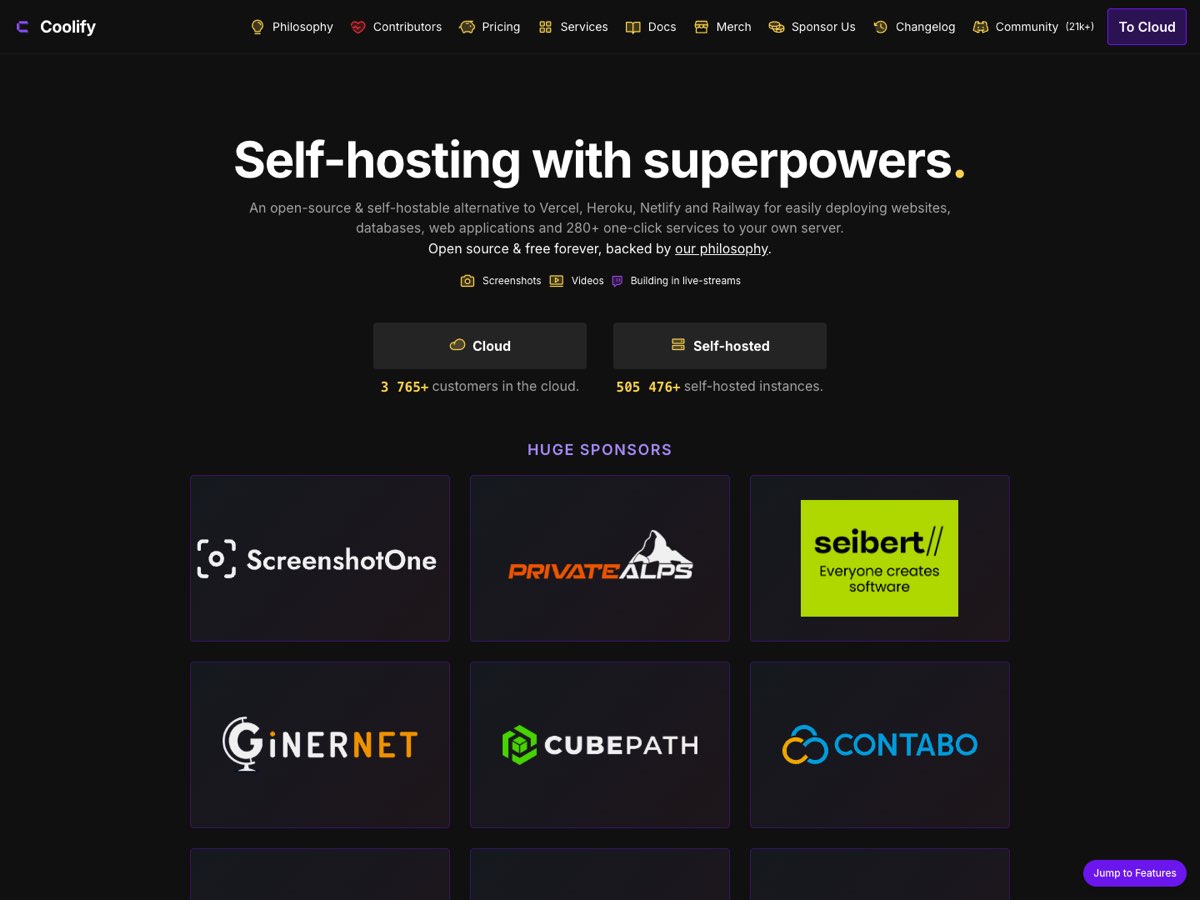
A web dashboard installed on one of your own servers. It puts applications, databases and ready-made services online there, and lets you see, restart and redeploy them from a page, with no terminal. Free and open source.
Reach for it the day a new server carries several applications you want to run yourself, with no session open.
Not today: it takes over all of a server's web traffic and asks for a fresh server. louis and hetzner already route their traffic their own way, so it means renting a new one, with at least 2 CPU cores and 2 GB of memory.
Which road, by what you are holding
| What you have | Road | Why |
|---|---|---|
| A note, a report, a proposal to send to one person | share.eregistrations.dev | A link now, correctable later at the same address |
| A page that teaches something to every session | The studio | It belongs in the library, not in a project |
| A citizen page, a leaflet, anything with a country's name on it | Your servers | The address is part of the message |
| Anything people must download | Your servers | The sandbox blocks downloads everywhere else |
| Anything confidential | Neither of the first two | An unlisted link is not a protected one |
| Several applications you want to run yourself from a web page | Coolify, on a new server | Only once a server is given to it; today sessions deploy for you |
| A page still being decided | Nowhere yet | It belongs on the project's design bench until it is chosen |
What has to be true before publishing
It has been reviewed. Run the page review first: it measures the page rendered, at desktop and phone width, and photographs it. Two minutes, and it catches what the eye misses at the end of a long day.
Every mention carries its link, and a site or an image carries its picture. A named thing with nothing to click is a dead end for the reader.
Nothing points at the Mac. Links to local files die the moment a page goes public. Publish what the reader needs, or say plainly where it lives.
The proof is the live address. A local file that looks right proves nothing. Open the published URL and check the thing that changed is really there.
For the AI
Skill share from the plugin share-service (UNCTAD marketplace, v1.3.0). API notes, slug rules and the update-in-place call: memory reference_share_eregistrations_dev. Publisher token at ~/.share-token.
Studio deploy: publish.sh in this folder, recipe in 9 - System/ui-ux/studio-online.md. Server map and what is installed: kit.md, section « Putting a page online ».