 UI/UX library ›
 Motion
· doctrine: Make pages move
· sits with
Motion
· doctrine: Make pages move
· sits with  the NovaAI recreation prompt
· followed by
the NovaAI recreation prompt
· followed by 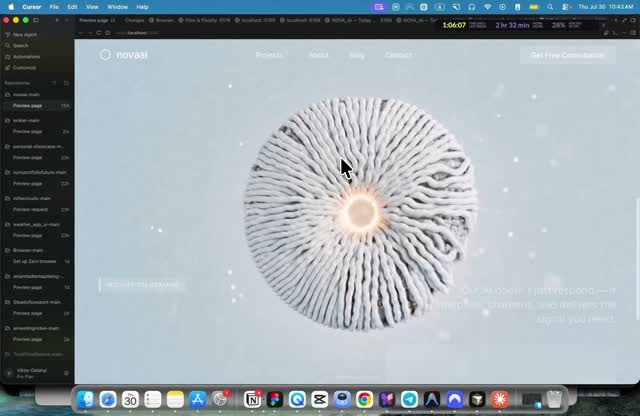 the same author's later, longer video
Higgsfield MCP + Claude: the animated-site tutorial
A 4-minute video by Viktor Oddy showing how he builds a scroll-animated, single-style website with Claude and one image MCP.
0:00
Showcase, what these sites look like
The video opens with finished examples, so the eye sees the goal before the method.
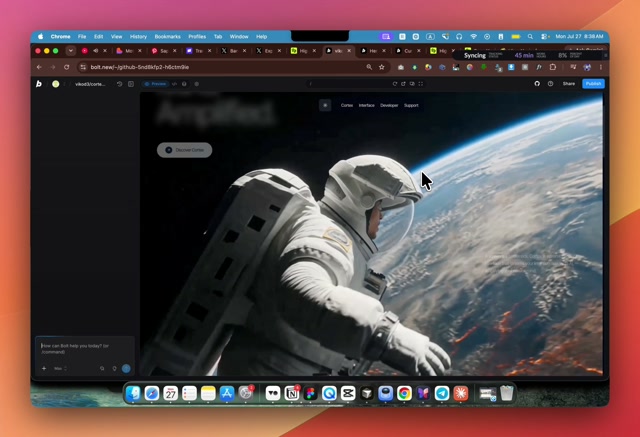
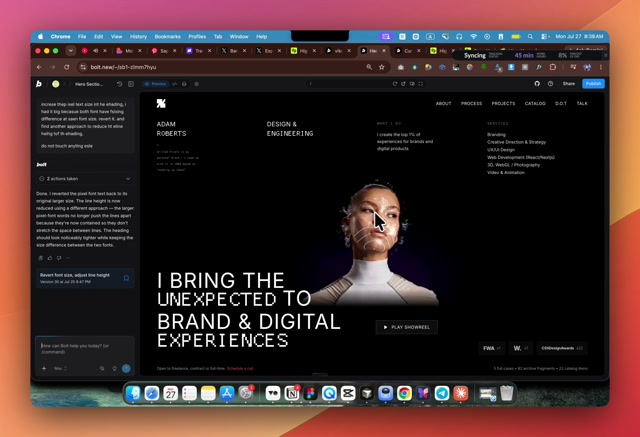
- What happens. Four or five sites scroll past: a melted-photo hero, a dark dancer site, an astronaut scene, a portrait statement page. Video plays in the background of each. All work on a phone.
- Why it matters. Every one of these was built by Claude, not by a designer hand-animating frames. The showcase sets the bar before explaining the method.
0:30
Setup, Claude and the first prompt
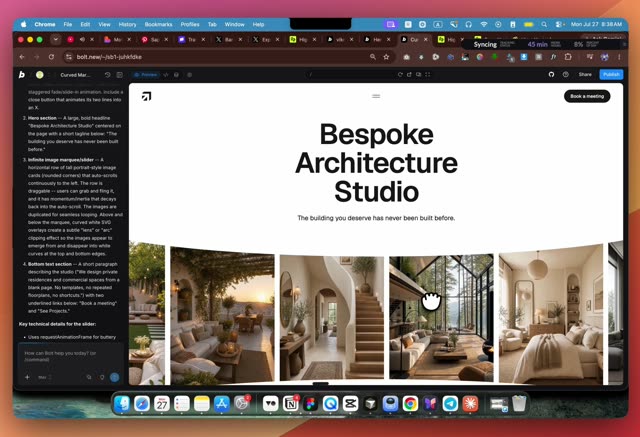
- What happens. Get the Claude desktop app, open the Code tab, start a new session in a new folder. Pick the strongest model for site work (Fable 5). First prompt: a hero section, white background, centred text, no gradients, black and minimal, plus "install the MCP".
- Why it matters. A plain, honest starting screen is easier to judge and to build on than an overloaded first prompt. The MCP request in the same first message is what wires in the image tool for everything after.
1:34
Higgsfield MCP, images inside Claude
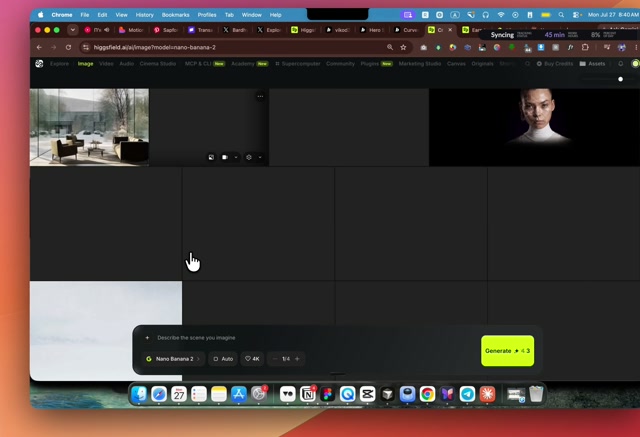
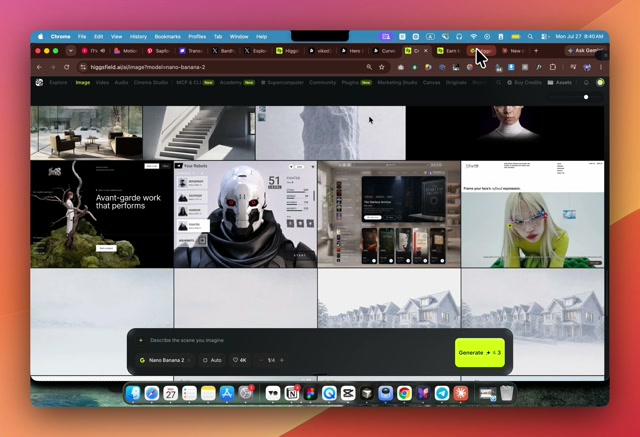
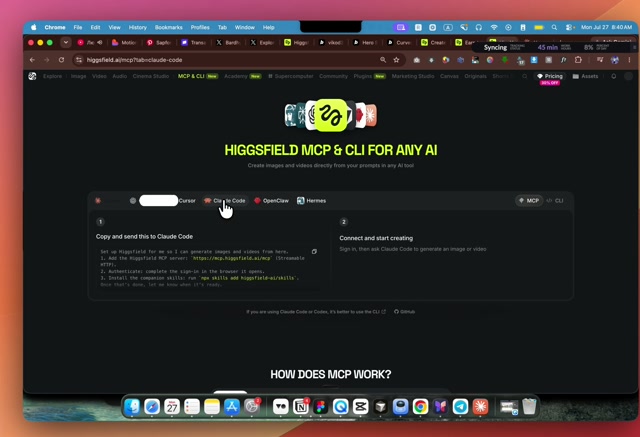
- What happens. Instead of making images on Higgsfield's own site and pasting them in, he connects Higgsfield straight into Claude. Go to
 higgsfield.ai/mcp, open the "Claude Code" tab, copy the setup block, paste it to Claude. Claude adds the MCP server, sign-in finishes in the browser, then he installs the companion skills with
 npx skills add higgsfield-ai/skills(theskills repo). Claude confirms it is authenticated. - Why it matters. The image tool moves into the same conversation as the code. No more tab-switching, downloading, re-uploading. Claude can ask for an image, get it, and place it, in one loop.
2:22
The recreation-prompt trick
- What happens. For the scroll animation, he does not describe it loosely. He takes a screenshot of a page he likes and pairs it with a written spec, a full pixel-faithful recreation prompt, then tells Claude "under our hero section add this thing". We kept his exact spec: the NovaAI recreation prompt.
- Why it matters. A loose request ("make it feel cinematic") gets a loose result. A written contract, exact URLs, a do-not list, an acceptance check, gets the same page back every time. It is the same discipline we use for BPA-faithful mockups.
2:50
One style, chosen from Pinterest
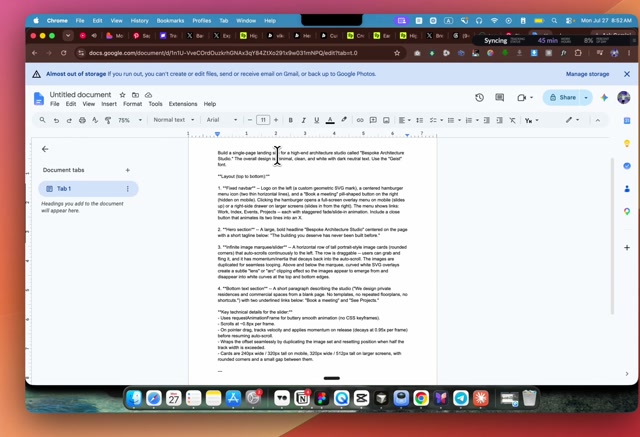
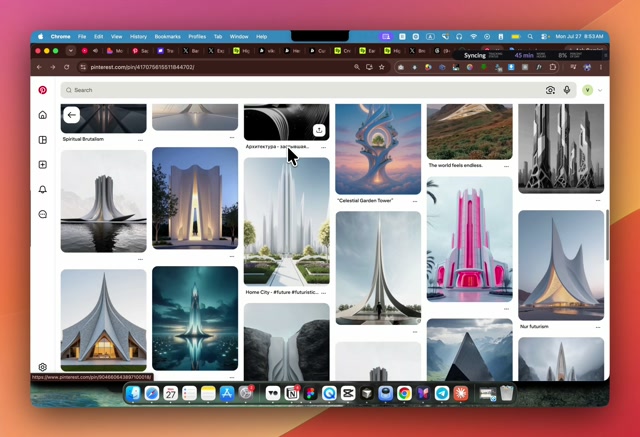
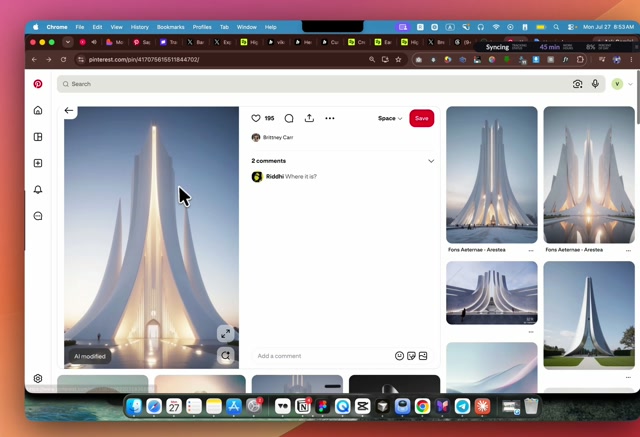
- What happens. The prompt: "generate a couple of futuristic architecture images using Higgsfield MCP, use 4K quality highest resolution and use GPT-2 image model in this style", plus one image picked from a Pinterest search. He picks the pin with the most likes, his reasoning: what an audience already likes most is a good bet for what a client will like too.
- Why it matters. One style image anchors every generated picture to the same look. Without it, each new image drifts to its own style and the site stops feeling like one thing.
3:44
The result
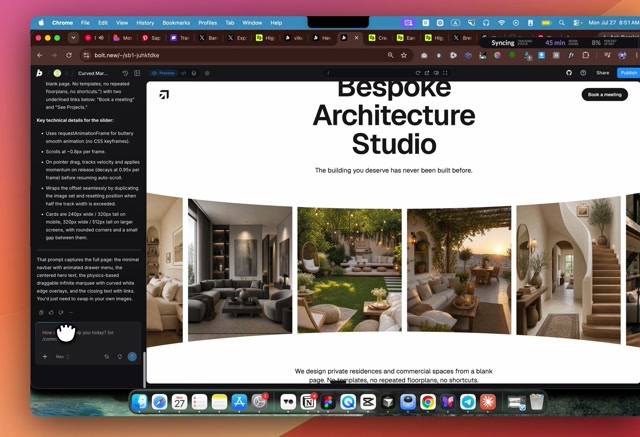
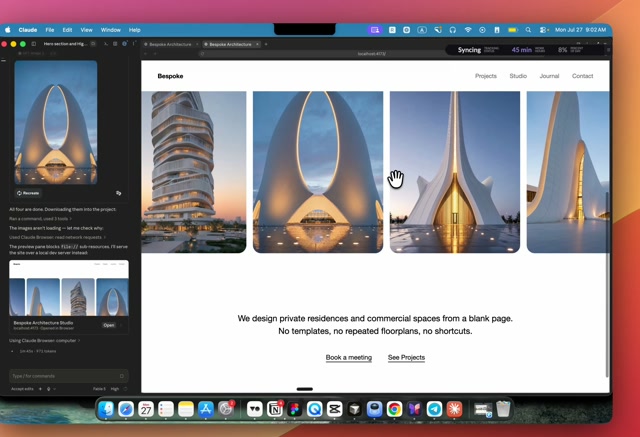
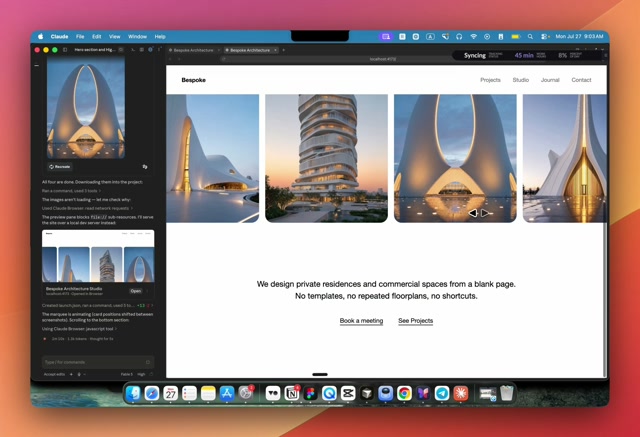
- What happens. The finished gallery scrolls through, every image in the same unified style. He checks the mobile view. The hero section is done, his words, "in less than five minutes". He then moves on to asking the AI to build the rest of the pages.
- Why it matters. His own line: "the most important thing whenever you're building a website, it needs to be united." Speed only counts if the result still holds together as one piece.
What we take from it
- The pipeline has four parts. Claude writes the site, an image or video MCP makes the assets, one style reference keeps them united, a written recreation spec is the contract. Nothing is hand-made.
- One style needs one reference image. Most-liked on a public board (Pinterest, or any gallery) is a fast, defensible way to pick it.
- The recreation prompt is the reusable artifact. Exact URLs, a do-not list, an acceptance check, same form we already use for BPA-faithful mockups.
- Three motion techniques carry the whole effect. Scroll-scrub, glass surfaces, staggered reveals, distilled on their own in the motion doctrine.