Make pages move
The recipes for animated sites, video, and speakers. The visual map is Motion.
These recipes are for public and venture pages: brochures, landing pages, product sites. Working documents and boards keep their own light, calm rules.
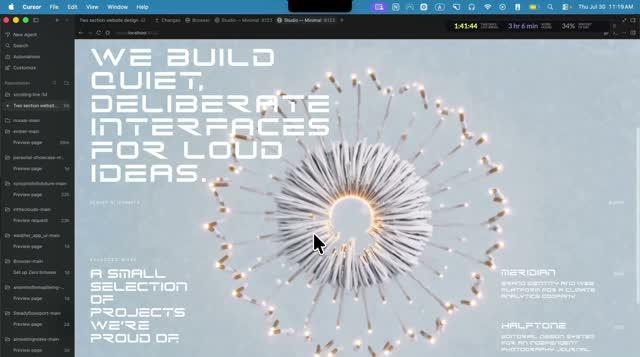
Use video, not code
The cinematic feel is video, not code.  motionsites.ai, the reference business for this genre, writes almost no animation code: it plays AI-generated videos under a calm layer of buttons and text. What looks like "3D animation" on these sites is really a video OF a 3D scene, made with an AI video tool (Higgsfield, Hailuo, Veo), never a computer drawing 3D shapes live in the browser (that live-drawing approach is called WebGL; these sites skip it entirely, along with the two code libraries that normally do that work, GSAP and Three.js).
So every moving page needs three things: the images and videos, the layer of quiet UI over them, and — when a person presents the page — the speaker.

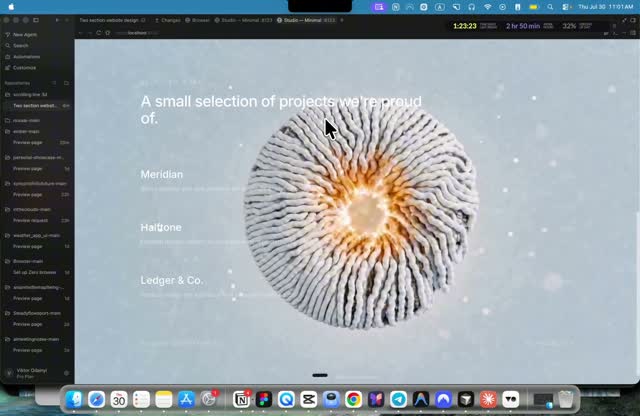
When things move: load, scroll, always, hover
Four moments, and a page uses few of each. Always on: a visitor's system setting for less motion turns everything off.
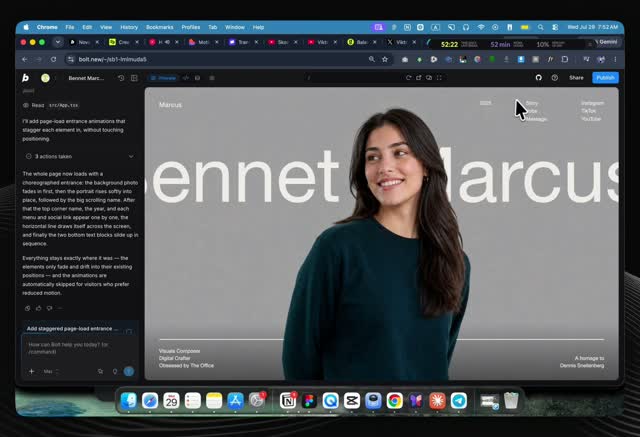
- Entrance, on load. One choreographed sequence, then still. Background fades in over about 1.2s, the subject rises with a slight scale over 1.4s, the surrounding chrome staggers in (0.9s each, spread over the first 1.5s), then an accent line grows from the left.
Exact timings: the Marcus prompt
- Scroll, as the reader moves. Two tools. Reveals: text and blocks fade up into place as they enter the screen, using the browser's own on-screen watcher (called IntersectionObserver), staggered about 100ms apart. Scroll-scrub: the reader's scroll position drives a background video's own timeline, so scrolling feels like turning a film reel; the premium effect, reserved for flagship pages only.
Full method: the NovaAI prompt
- Ambient, always, slowly. A muted background video loop, a very slow scrolling ticker of logos or words, or a 6-second colour drift on one headline word. Slow enough that the eye can ignore it if it wants to.
Grammar: motionsites analysis
- Hover, on touch. Colour changes over about 300ms, an arrow nudging a couple of pixels. Nothing larger than that.
The page recipes
Each recipe is proven in a linked source; copy from there, never reinvent.
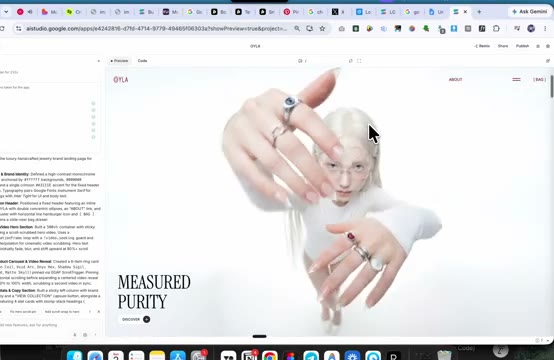
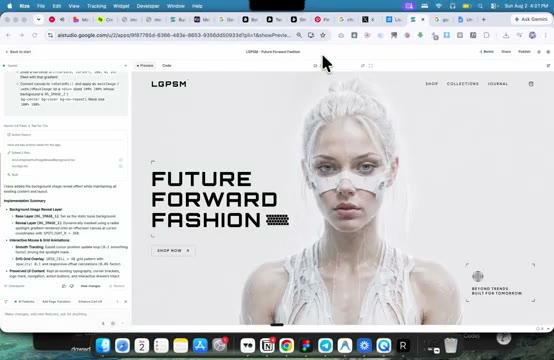
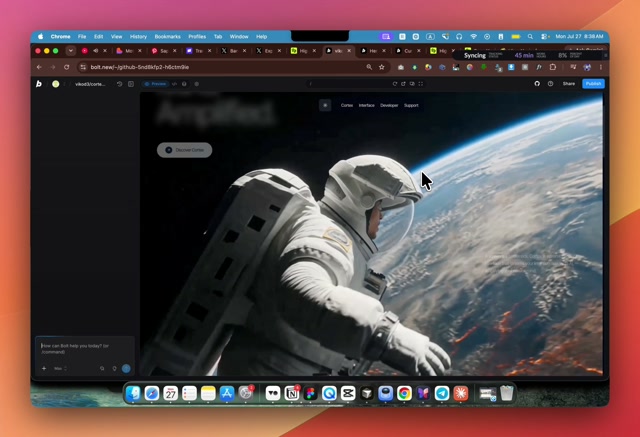
- Video under the page. A full-bleed looping video sits behind the content, muted, with a dark veil over it so text stays readable, and a fade at the bottom so the video melts into the page instead of ending in a hard edge. A still poster image shows first and cross-fades to the video once it has loaded, so nothing ever flashes black.
motionsites analysis
- Scroll-scrubbed video. The reader's scroll position, smoothed so it glides rather than jumps (a small formula called lerp), drives which video frame shows. Frames are pre-loaded so the page can flip through them instantly instead of decoding video on the fly.
Full spec: the NovaAI prompt
- Frosted glass over video. Our normal house rules ban a frosted-glass look on documents; over a video it is the right and only exception, because a solid box would block the video underneath. Semi-transparent, blurred panels with thin white borders let buttons and labels float over the moving image.
the NovaAI prompt
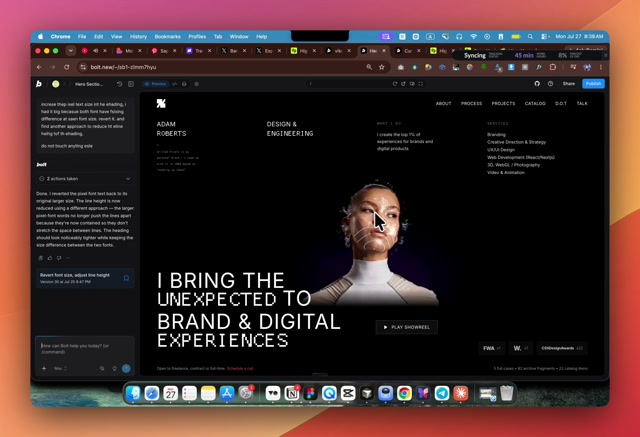
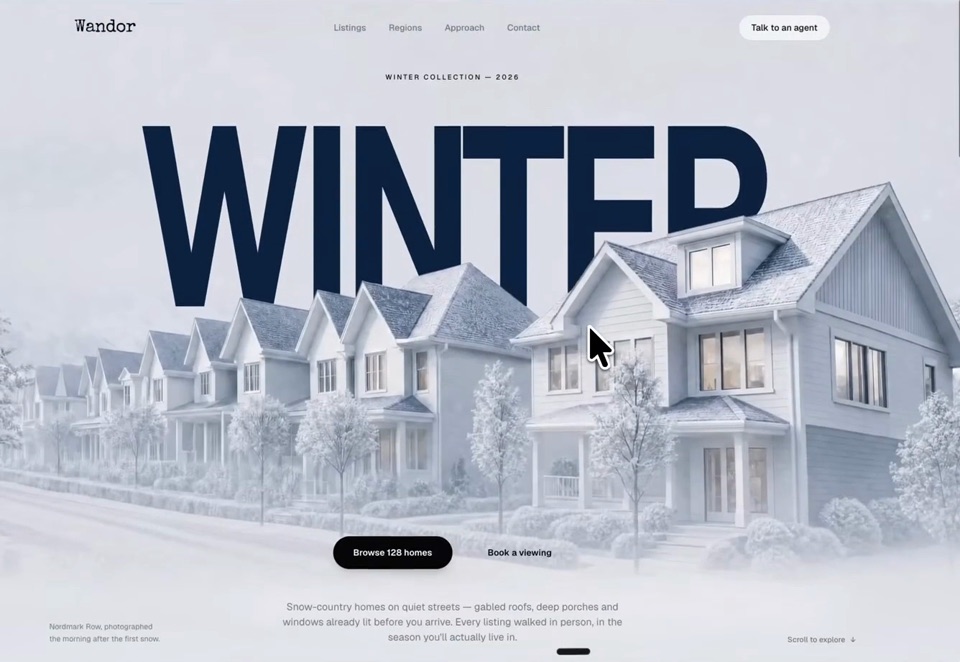
- Person-on-top layering. Background image, then giant type, then the person's cutout on top, then the navigation. The person overlaps the letters, which is what makes them feel part of the page rather than a photo in a frame.
the Marcus prompt
- Frame sequence instead of video. When a scroll-scrub video is too heavy for a phone, the video is converted to a strip of still JPG frames and the page draws one frame per scroll position instead. Same effect, nothing to decode.
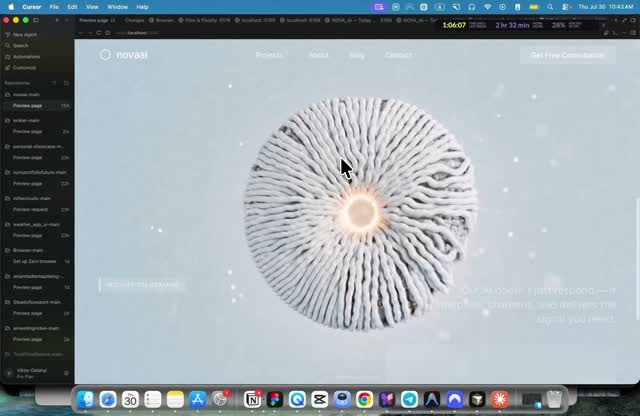 the award-winning-sites video
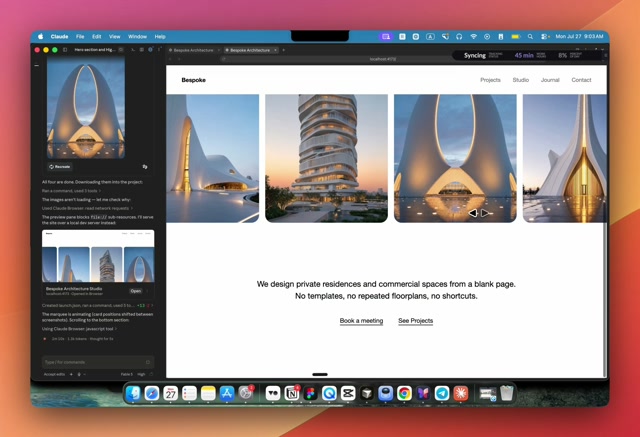
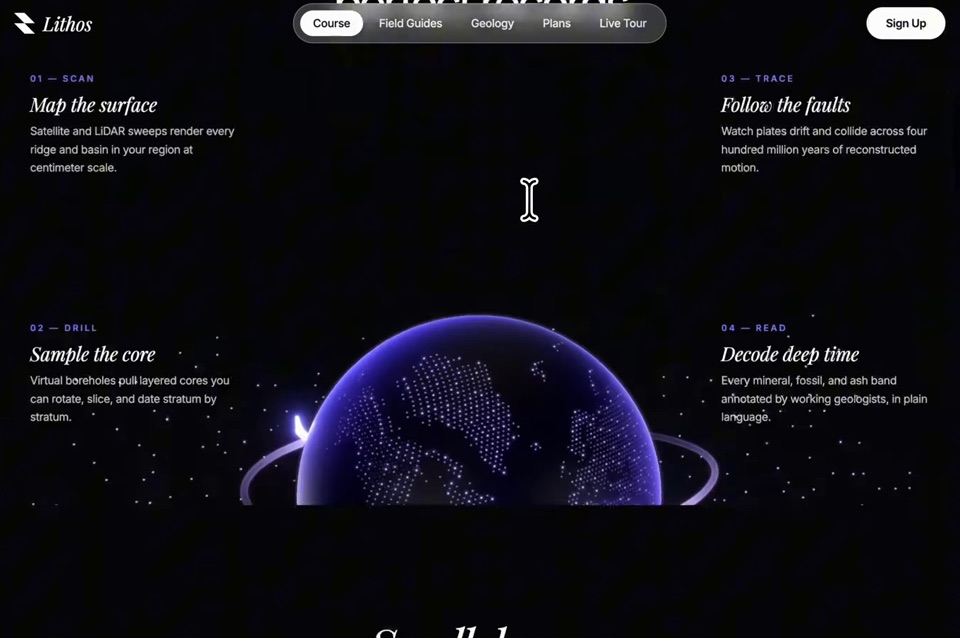
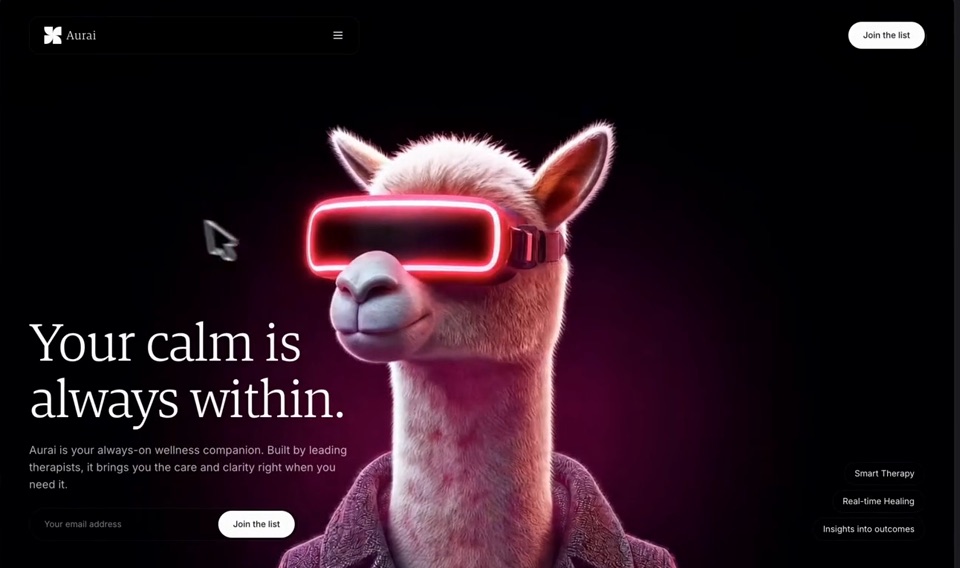
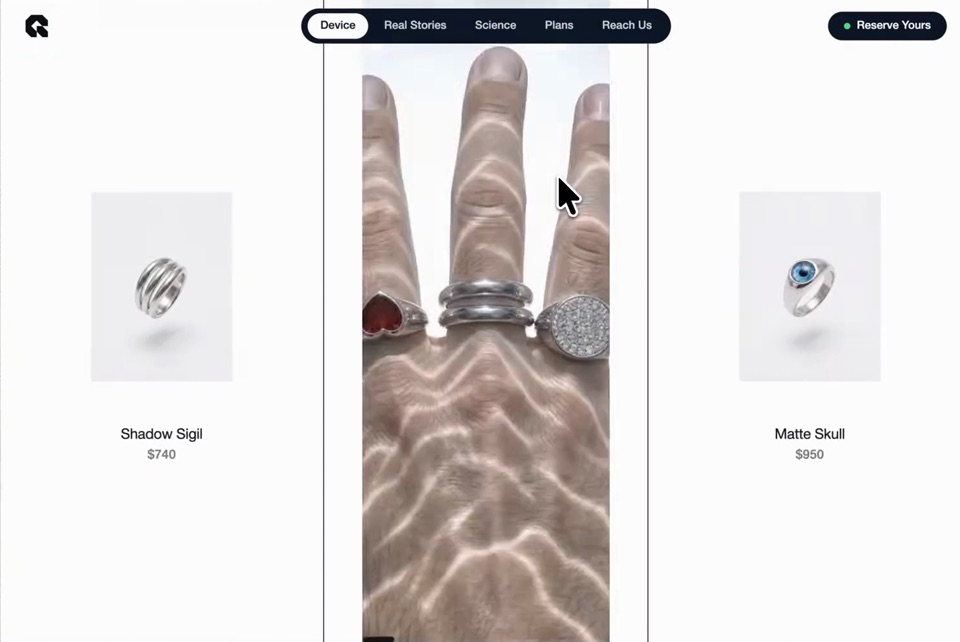
 - Six newcomers from the Viktor Oddy sweep (02-08-2026), one frame each below.
the ten digests
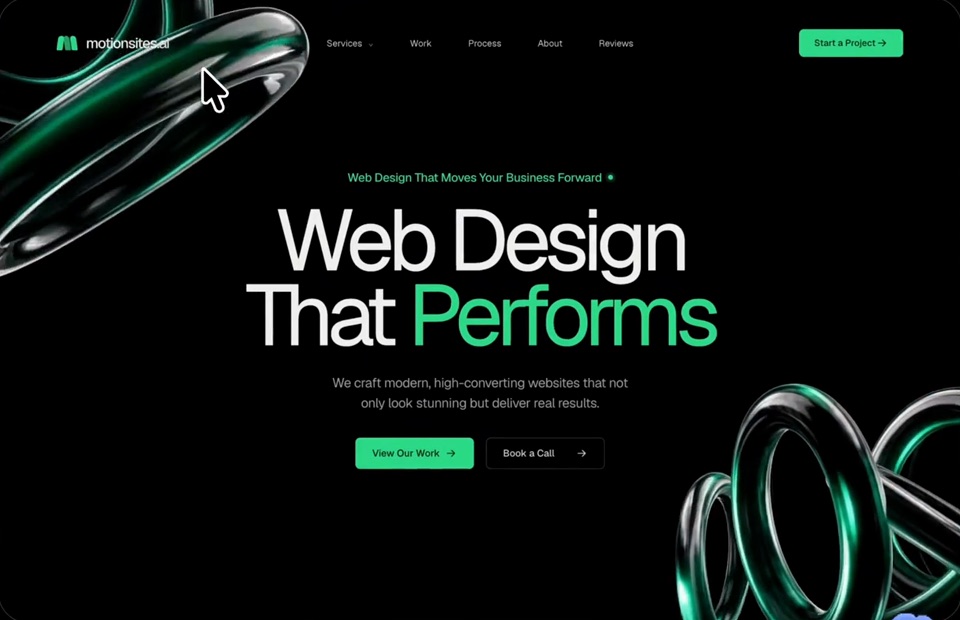
 recipe
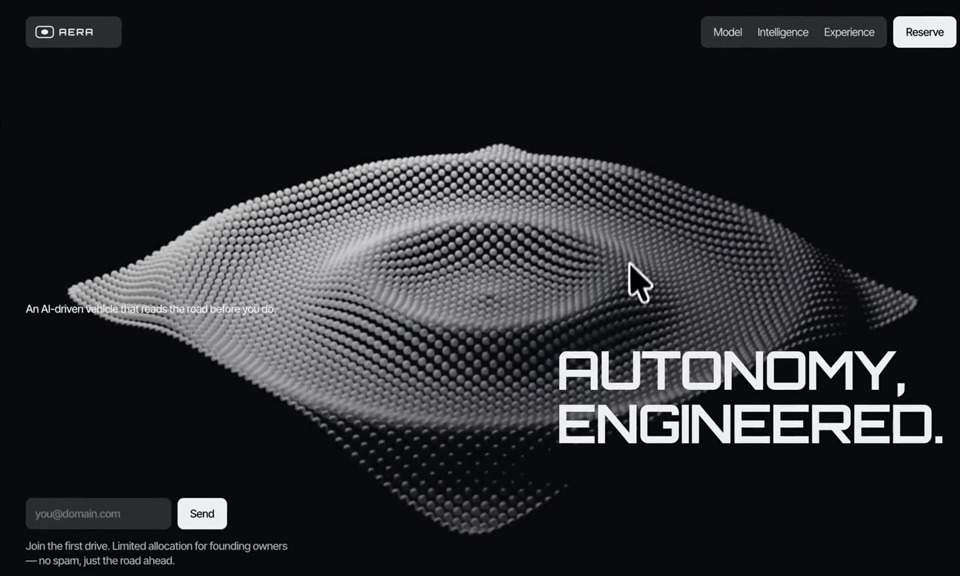 recipe
 recipe
 recipe
 recipe
 recipe
Put a speaker in the page
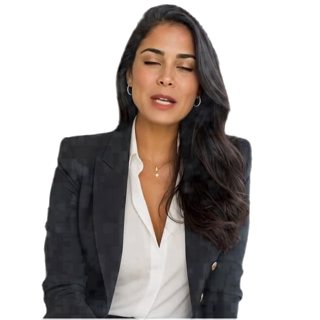
A person who presents the page in a real voice. The whole subject has its own page —  Speakers — with the two kinds (still · moving), the four sizes (face · half bust · bust · full body), the buttons, and how to order one: "put a speaker on this page". The recipe is the site-speaker skill; the production line is the factory.

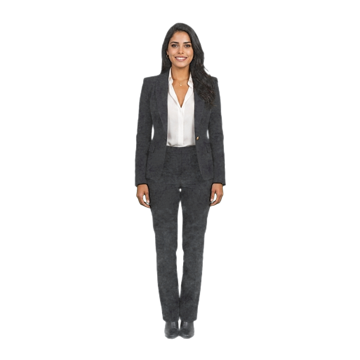
A framed presenter video, boxed like an advertisement, also works — but a frame says "advertisement" while the cutout says "guide".
Make the images and videos
Images and video, inside the chat
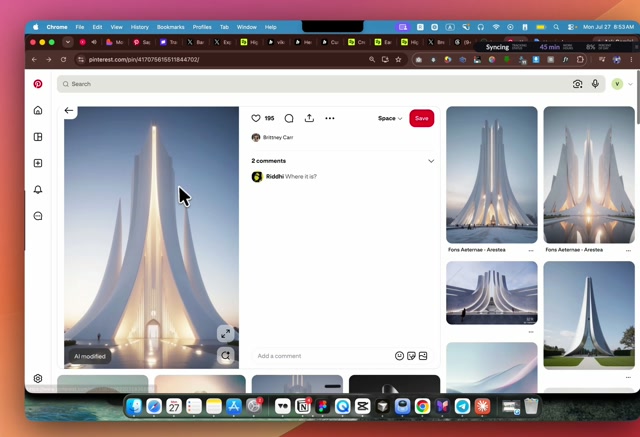
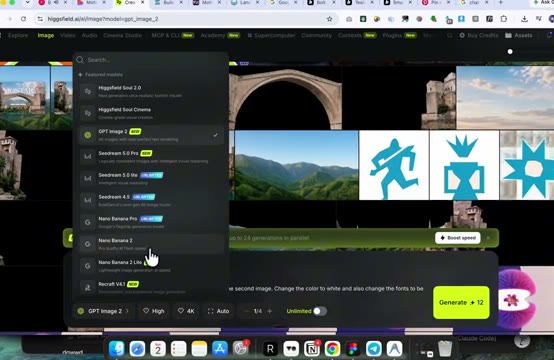
Higgsfield connects straight into Claude as a tool, so an image or video can be asked for and placed without leaving the conversation. Learned from the Viktor Oddy tutorial, which also teaches the one rule that keeps a page unified: every image on a page comes from ONE style reference, picked as the most-liked example in its style on a public board such as Pinterest.
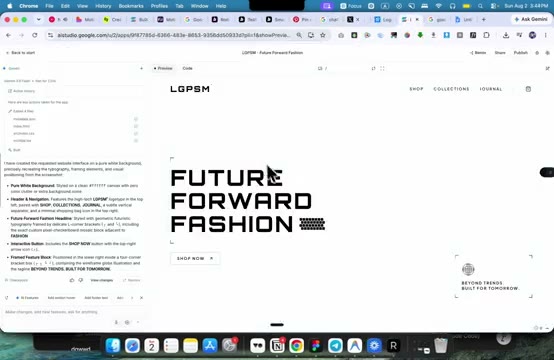
Google AI Studio — the free workbench (checked 02-08-2026)
AI Studio is Google's free front door to its own models (about 10 requests a minute at no cost): Nano Banana 2 for images — the same model the Higgsfield skills use, so portraits and scene stills cost zero here — Veo 3.1 for video with native sound and vertical format, and Gemini Omni Flash, video made and corrected by conversation. Since 03-08-2026 the same key also makes a speaker's master clip with Veo 3.1 — the step we used to buy — while the factory still repaints her mouth per sentence. Tutorial decoded: 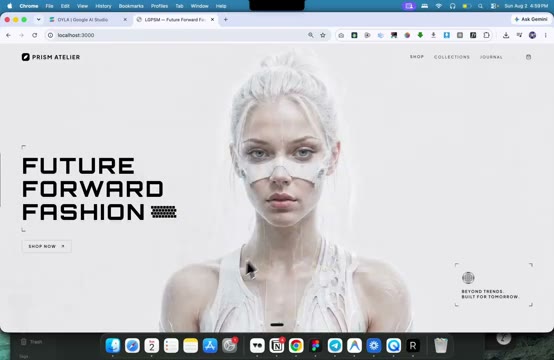 the third Viktor Oddy reference.
Prompt libraries
motionsites.ai and sceneai.art sell copy-ready prompts for animated sections, backgrounds and gradients — a legitimate shortcut: buy the prompt, keep our taste rules.
Video engines
On Krea (checked 31-07-2026): Hailuo 3 is announced but not yet running; prompts currently render on Hailuo 2.3. Krea also gives API access to Kling, Veo and Seedance. Free tier: 100 units a day; paid plans from $9/month.
Talking avatars
Veo 3.1 on our own Google key is now the master-clip engine (proven 03-08-2026): the green portrait becomes 8 seconds of her speaking with living eyes, no separate video account — billed per second ($0.10 fast, $0.40 standard, so $0.80 for an 8 s master on fast, which is what a master needs) — script make-veo-master.py. Magic Hour stays the fallback (27-07-2026): photo plus a voice recording in, about 4 centimes per second of video out. HeyGen is the only engine with a true API for a see-through background, but only for its own studio avatars. Full comparison table: photo-avatar-video skill.
Motion by reference (02-08-2026)
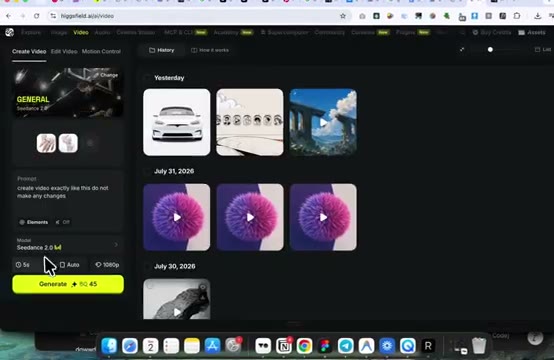
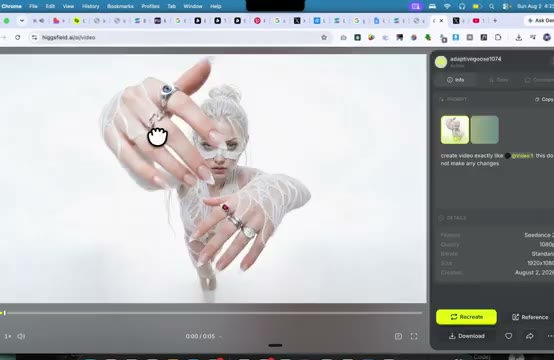
The strongest asset prompt is an example, not words: "animate this image the SAME WAY as the attached video, same duration" — and the example can be a screen recording of any site whose animation we admire. The text-strip trick ("the same image without any text") turns any screenshot into a clean background plate. Digests: the sweep shelf.
Voices
ElevenLabs for a live, interactive voice; Voicebox, our own offline clone, for everything else. Routing rule: voice-agent skill.
The factory
Our own production line for talking-bust videos, replacing the paid service for volume work: same photo-plus-voice in, same video out, about 50 times cheaper.
Why it's cheaper. A paid service charges around 2.4 EUR a minute because it sells both its software and its computer time. The factory splits the two: the software (LivePortrait gives the photo a little life, breathing and a slow blink; MuseTalk repaints only the mouth to match the recording) is free and open. The computer, a special graphics computer called a GPU, is rented by the minute from RunPod at about 0.34 USD an hour, billed only while it works. One minute of video costs one minute of rented machine.
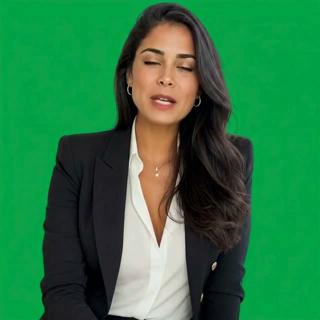
Result: 2 to 5 centimes a finished minute, instead of 2.4 EUR. Setup and the one-line command: docs/musetalk.md.
The standing rule. Before proposing or renewing any per-minute or subscription AI service (avatar, voice, image, video), check whether an open model on this rented GPU does the job first, and say the cost of both. Full rule, prices and doctrine: reference-rented-gpu.md.
Finish every video the same way — the new pattern
The standard finish, Frank's verdict of 05-08-2026. Every video we make ends with these steps, in this order. The engines that generate a person return small frames — Grok gives 544 px square, the earlier avatar tests 576 px — and that resolution, not the mouth engine, is what makes a face look soft.
- Repaint the mouth at native size (MuseTalk or LatentSync), on the rented GPU. Never upscale before this: the repainted mouth would end up softer than the face around it.
- Upscale ×4 with Real-ESRGAN — 544 becomes 2176. Lip borders, hair strands, collars and eyes become real again. Runs on this Mac, about 9 s a frame, free.
- Add a medium grain, new on every frame, luma only so the colour and the green stay clean. Without it the skin is too even and reads as retouched.
- Then remove the green. Keying last, on the sharp frames, gives better edges.
Deliver two sizes. Grain is expensive to compress: the same clip is 24 MB at 2176 and 0.7 MB at 1088. Keep the big one, put the small one on the page.
Two explanations that look right and are wrong, both measured so nobody re-argues them: the upscaler does not shift the skin colour (R−0.6 G+0.4 B−0.7 out of 255), and it does not remove micro-texture (it measures higher). It makes the skin even, and evenness is what reads as retouched. The grain works by breaking that evenness. Full verdict: criterion 14.
What keeps it clean
- Light stays default. The dark cinematic canvas is a register for public and venture motion pages; adopting it is a per-page decision, never a drift into every document.
- One hero motion per page. Scroll-scrub, or person-on-top, or ambient video, never two on the same page.
- Motion never carries information alone. The page must still make sense frozen, as if printed.
- Unity of style. Every AI asset on a page comes from one style reference; three styles on one page reads as slop instantly.
- The recreation-prompt form is the contract. Exact asset URLs, token tables, delay tables, a do-not list, acceptance criteria, the same discipline as our BPA-faithful mockups.
- Weight budget. Poster images always, metadata loaded first, motion loaded only once the reader scrolls there, talking busts capped at 30 seconds per file.
- Assets before scenes. Never generate a scene for a person or place that has no locked asset; build the asset once, store it forever, recombine. The library is the show.
Where the recipes come from
- reference-viktoroddy-tutorial.html: the Higgsfield + Claude tutorial, summarized with thumbnails
- reference-yt-award-winning-animated-sites.html: the same author's full loop, mood board to shipped site
- reference-viktoroddy-aistudio.html: the same author's Google AI Studio process, the design made as a picture before any code
- reference-novaai-prompt.html: scroll-scrubbed video and the glass system, verbatim spec
- reference-marcus-prompt.html: person-on-top layering and entrance timing, verbatim spec
- reference-motionsites-analysis.html: the reference business, taken apart to its code
- photo-avatar-video skill: picture to talking video to transparent bust
- busto-proposal.md: first application