Use with AI

Choose video tools by the task

Compare alternatives doing the same job.

Acquire source media

Start with yt-dlp. Match its inputs and operating requirements to your job.

yt-dlp capability illustration

Media acquisition tool

yt-dlp

★★★★★ 5/5 for this task

The established acquisition layer; complements FFmpeg for processing.

Give it
Supported media URL
Get back
Local media file
How it runs
Application/API or supported runtime; access not rechecked
Processing location
Depends on the selected application, backend and hosting route.
Charging model
Check application, model and compute charges separately.
Choose it when
Use to obtain permitted source media for analysis or editing.
Watch for
Supported sites change. Confirm the right to use acquired media.

Source preview

Full evidence and recipe

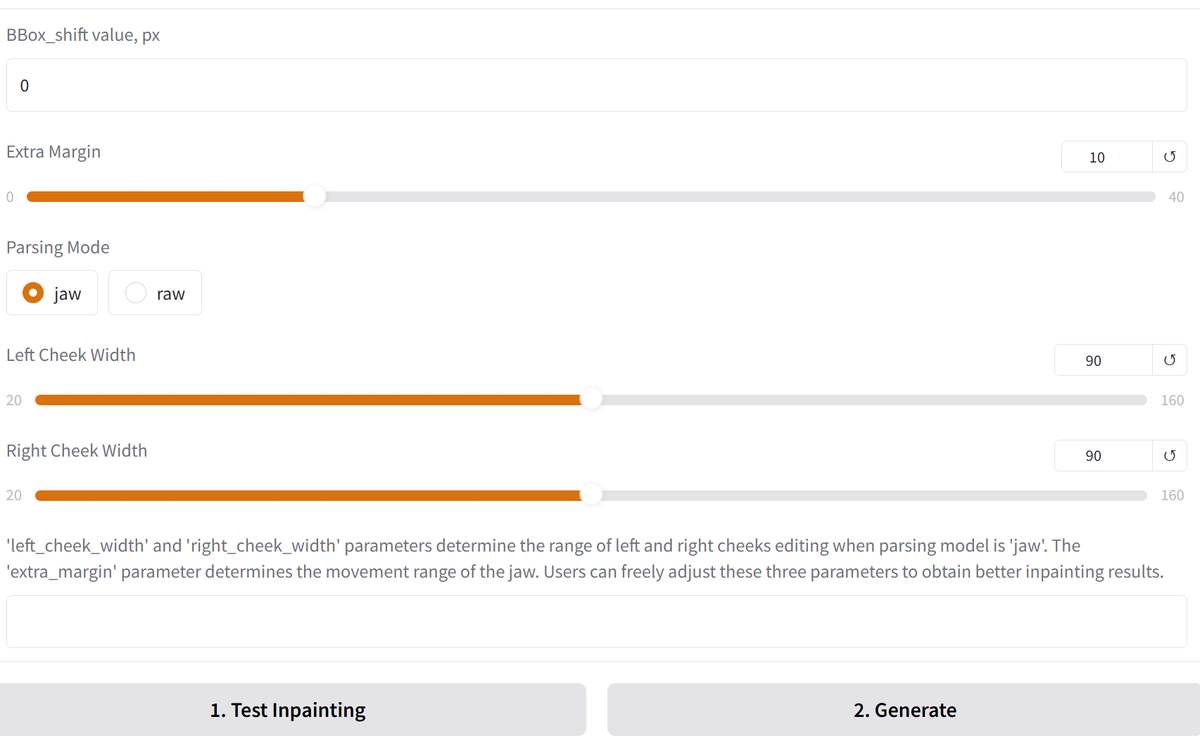
Animate an existing portrait

Start with LivePortrait. Match its inputs and operating requirements to your job.

LivePortrait capability illustration

Portrait-animation model

LivePortrait

★★★★☆ 4/5 for this task

Strong task fit for motion transfer; extra speech/lip-sync steps are separate.

Give it
Portrait; Driving image/video motion
Get back
Animated portrait
How it runs
Application/API or supported runtime; access not rechecked
Processing location
Self-hosted if deployed locally, otherwise provider-dependent.
Charging model
Compute and model/weight terms; hosted wrappers charge separately.
Choose it when
Use when the desired motion already exists in a driving source.
Watch for
Do not promise a spoken performance from a photograph and text alone.

Source preview

Full evidence and recipe

Assemble, convert and export

Start with FFmpeg or Remotion. Match its inputs and operating requirements to your job.

FFmpeg capability illustration

Media processing tool

FFmpeg

★★★★★ 5/5 for this task

Deterministic and scriptable for the established finishing layer; complements generative tools.

Give it
Existing media; Timing and filter instructions
Get back
Edited/converted media
How it runs
Command-line tool
Processing location
Local file processing unless remote inputs/outputs are configured.
Charging model
Local compute; no metered generation service.
Choose it when
Default for repeatable assembly, transcoding and technical finishing.
Watch for
Check output resolution, audio, subtitle timing and codecs on the finished file.

Source preview

Full evidence and recipe
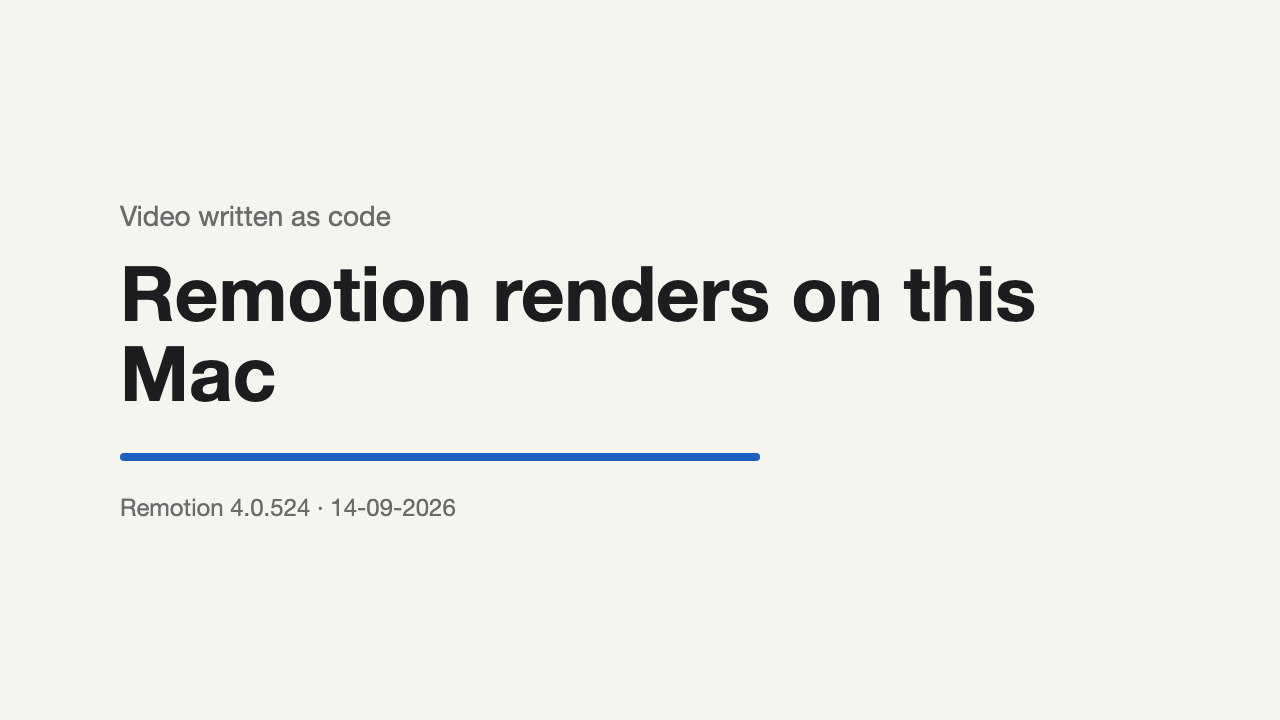
Remotion capability illustration

Code-based video renderer

Remotion

★★★★★ 5/5 for this task

Best fit in this set for controlled programmatic layouts and reusable explainer templates.

Give it
Code; Images; Audio; Data
Get back
Rendered video
How it runs
Code and renderer. With Claude: add Remotion's official skills (npx skills add remotion-dev/skills), then ask Claude for the video; it creates the project, previews it and renders the MP4.
Processing location
Rendering deployment determines where media is processed.
Charging model
Own compute. Free under the Remotion License for individuals, non-profit organisations and companies of up to three employees; larger for-profit companies need a company licence.
Choose it when
Choose for repeatable explainers with precise text, charts and branded composition.
Watch for
Requires code, Node.js and a headless Chrome that Remotion downloads on first render.; On a Mac, macOS 15 or later.; Free under the Remotion License for individuals, non-profit organisations and companies of up to three employees; larger for-profit companies need a company licence.

Source preview

Full evidence and recipe
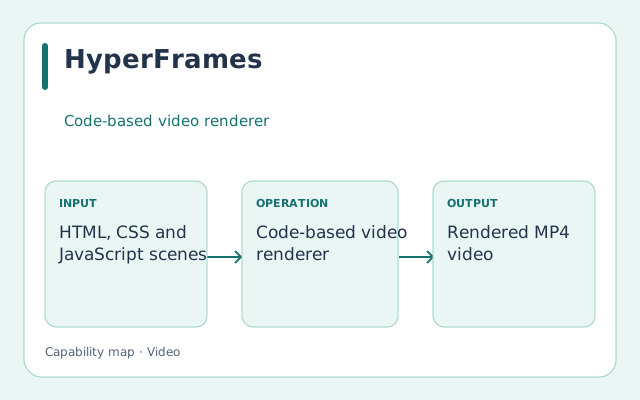
HyperFrames capability illustration

Code-based video renderer

HyperFrames

★★★★☆ 4/5 for this task

Same job as Remotion with a plainer format: HTML instead of React, a friendlier Apache-2.0 licence and no company-size limit. Below Remotion only because Remotion is proven in delivered Studio work and HyperFrames is not.

Give it
HTML, CSS and JavaScript scenes; Images; Video; Audio
Get back
Rendered MP4 video
How it runs
Command-line tool plus a browser studio; renders with headless Chrome and FFmpeg on your own machine.
Processing location
Local render; nothing leaves the machine.
Charging model
Free, own computer.
Choose it when
Try it on one motion-graphics film built from an existing web page. Keep Remotion for the family video.
Watch for
Needs Node.js, headless Chrome and FFmpeg.; Studio has not rendered a test with it yet.; Released March 2026 and changing fast: pin a version for a project.

Capability diagram

Full evidence and recipe

Automate a content pipeline

Start with Video Shotcraft. Match its inputs and operating requirements to your job.

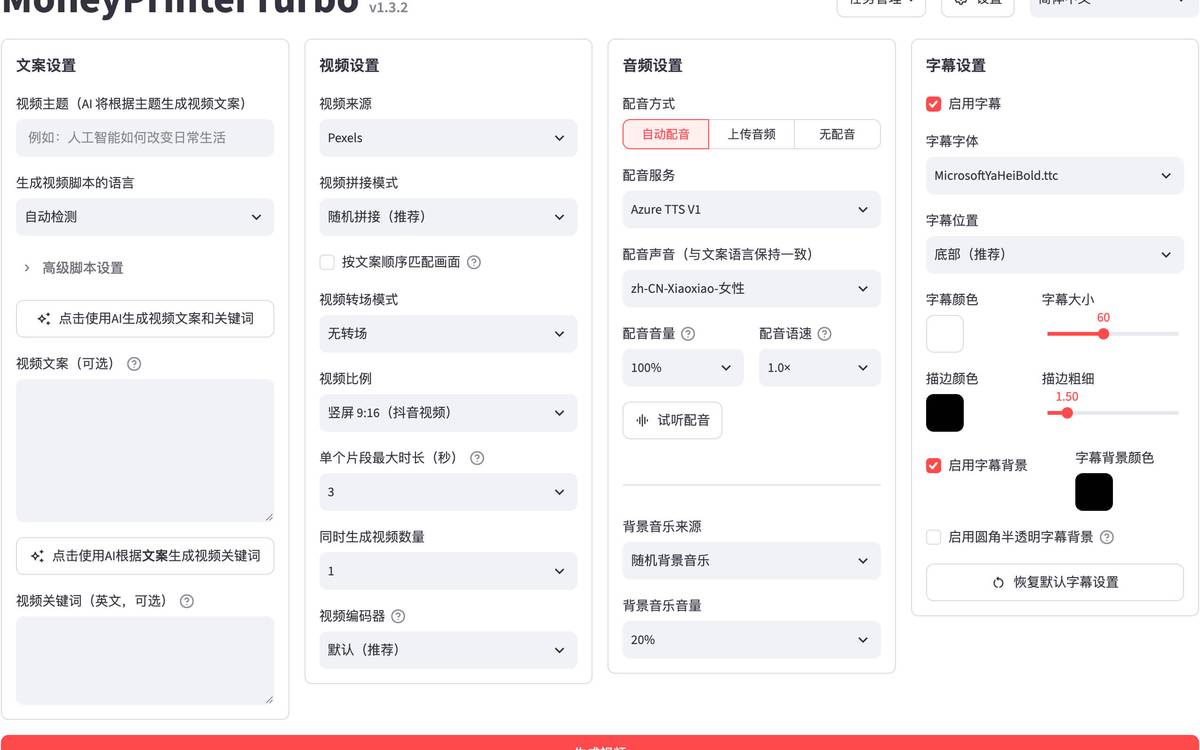
MoneyPrinterTurbo capability illustration

Automated video workflow

MoneyPrinterTurbo

★★★☆☆ 3/5 for this task

Useful starting automation; factual accuracy, media relevance and editorial quality still need review.

Give it
Topic or script; Providers and source assets
Get back
Assembled short video
How it runs
Application/API or supported runtime; access not rechecked
Processing location
Depends on the selected application, backend and hosting route.
Charging model
Check application, model and compute charges separately.
Choose it when
Use for prototyping a repeatable short-video pipeline with reviewed inputs.
Watch for
Provider dependencies and asset rights require explicit selection; do not treat affiliate provider claims as project evidence.

Source preview

Full evidence and recipe
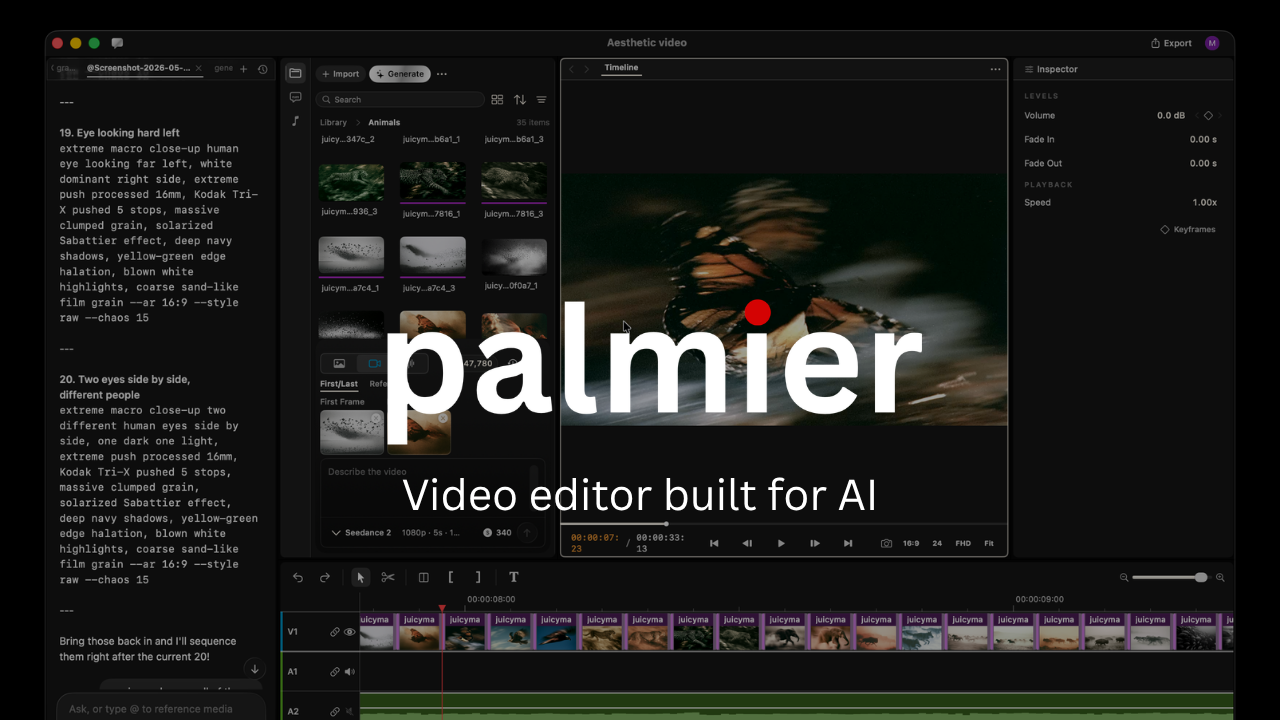
Palmier Pro capability illustration

Video workflow application

Palmier Pro

★★★☆☆ 3/5 for this task

Distinctive agent-editable timeline; conditional rating because current local compatibility is not verified.

Give it
Task-specific source material
Get back
Depends on the identified workflow
How it runs
Application/API or supported runtime; access not rechecked
Processing location
Local timeline; AI generation uses external providers.
Charging model
Editor and MCP separate from paid generative features.
Choose it when
Evaluate for human-and-agent timeline editing if the machine meets its requirements.
Watch for
Official requirements specify macOS 26 on Apple Silicon. Editing/MCP and paid generation have different access conditions.

Source preview

Full evidence and recipe
Studio video toolkit capability illustration

Internal orchestration recipe

Studio video toolkit

Not rated

Coverage retained without inventing a rating; evidence is not sufficient for a current recommendation.

Give it
Task-specific source material
Get back
Depends on the identified workflow
How it runs
Application/API or supported runtime; access not rechecked
Processing location
Depends on the selected application, backend and hosting route.
Charging model
Check application, model and compute charges separately.
Choose it when
Retain as a reference; resolve current capability and access before selection.
Watch for
Current primary-source verification or exact identity remains incomplete.
Capability diagram

Full evidence and recipe
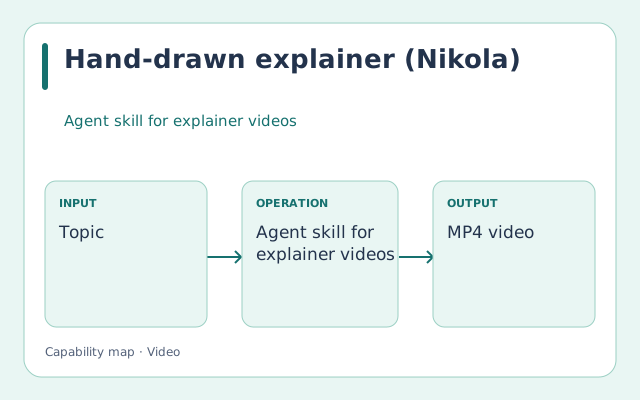
Hand-drawn explainer (Nikola) capability illustration

Agent skill for explainer videos

Hand-drawn explainer (Nikola)

★★★☆☆ 3/5 for this task

The only explainer in this set drawn stroke by stroke on one sheet, delivered as a real MP4 with subtitles; held back by Chinese-first narration and outside services.

Give it
Topic; Script; SRT subtitles; Source picture
Get back
MP4 video; Subtitles; Timeline; Editable project
How it runs
Codex agent skill with Python scripts; its animated route renders with HyperFrames
Processing location
Scripts run locally; narration and image generation go to the selected outside services.
Charging model
Free code under Apache-2.0; the voice and image services it calls are billed by their providers.
Choose it when
Choose when an idea should be drawn in front of the viewer, one part at a time.
Watch for
Documentation and default narration are Chinese; the default voice is ByteDance Volcengine speech synthesis and needs its account.; The stroke route draws from a source picture that has to be made first, for example with an image model.

Capability diagram

Full evidence and recipe
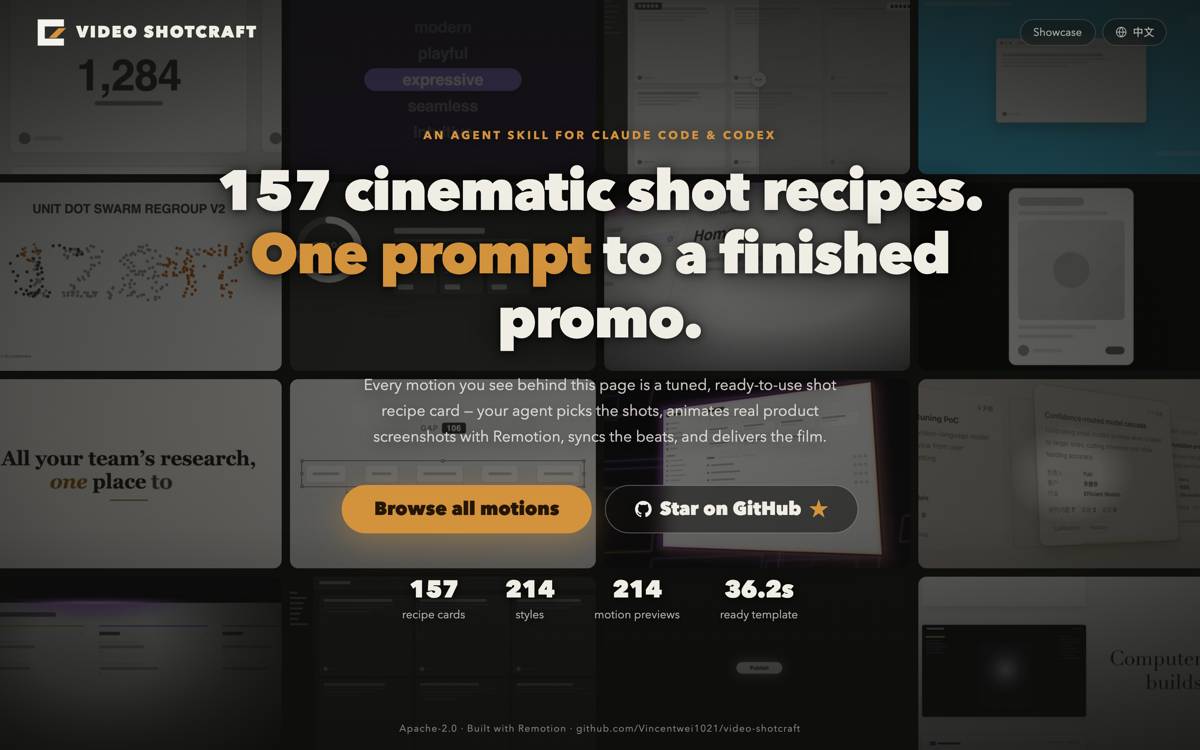
Video Shotcraft capability illustration

Agent skill for product films

Video Shotcraft

★★★★☆ 4/5 for this task

The only pipeline in this set that builds the film from the product's own screens, on Remotion, with no paid service; held back by Chinese instructions and no voice.

Give it
Product URL or local server; Screenshots; Copy and brand styles; Music (optional)
Get back
MP4 with and without music; Remotion project; Browser-editable timeline; JianYing draft (optional)
How it runs
Claude Code or Codex agent skill: it captures the product's screens with Puppeteer, codes each shot in Remotion, reviews the cut and opens a browser editor.
Processing location
Capture, coding and rendering run locally.
Charging model
Free code under Apache-2.0; rendering runs on Remotion, free for individuals, non-profit organisations and companies of up to three employees.
Choose it when
Choose for a screen-based product film without a speaker.
Watch for
Skill instructions are in Chinese.; No voice or speaker; narration is a separate project.; Defaults to a fast, beat-cut marketing register.; Its delivery steps open a browser and ask to credit the author and submit the film to its showcase.; Several bundled sound effects have no traced licence.; Run nothing posted in its issue tracker: issue 66 hides a command that sends a machine's environment variables to an outside server.

Source preview

Full evidence and recipe

Create a speaking presenter

Start with HeyGen or InfiniteTalk. Match its inputs and operating requirements to your job.

HeyGen capability illustration

Hosted avatar platform

HeyGen

★★★★☆ 4/5 for this task

Official developer overview verified. No new presenter-quality test was run.

Give it
Presenter/avatar; Text or audio
Get back
Speaking presenter video
How it runs
Application/API or supported runtime; access not rechecked
Processing location
Provider-hosted processing; check the selected route.
Charging model
Hosted plan or usage charges; current price not quoted.
Choose it when
Choose managed avatar production when you want a hosted script-to-presenter route.
Watch for
Different avatar, live-avatar, translation and lip-sync endpoints have different requirements.

Source preview

Full evidence and recipe
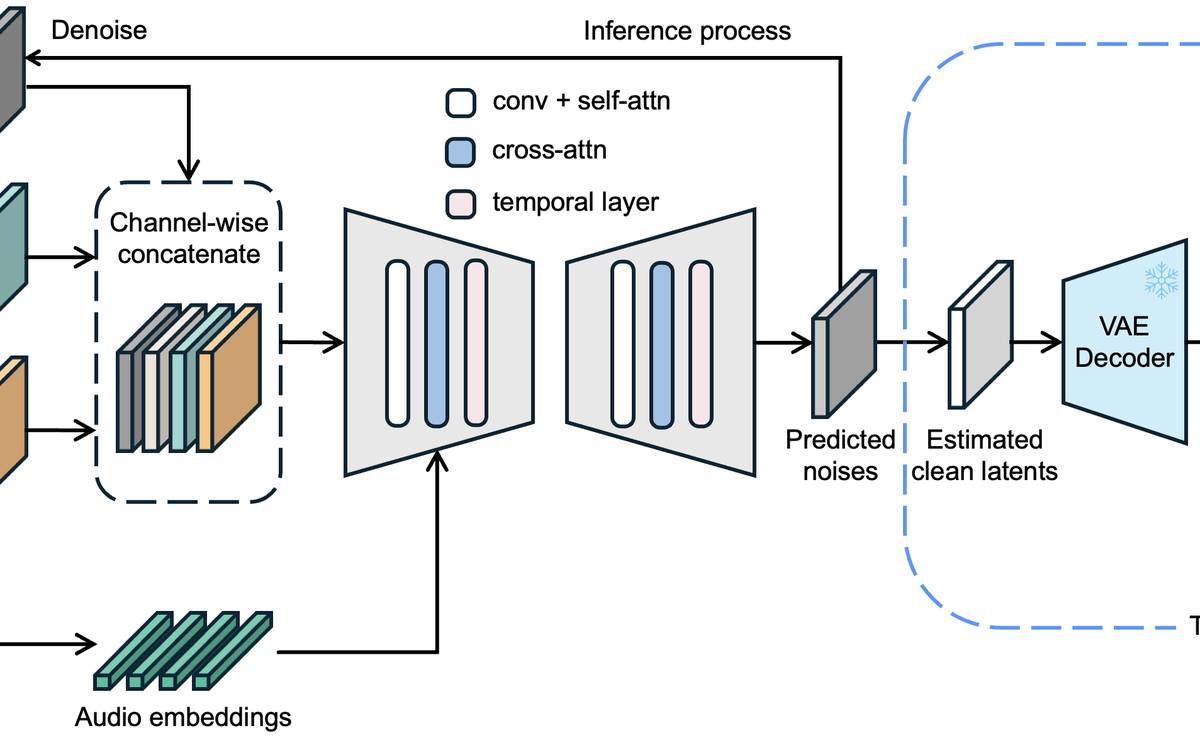
InfiniteTalk capability illustration

Open audio-driven avatar model

InfiniteTalk

★★★★☆ 4/5 for this task

The only born-whole route measured on our own speaker: identity held, about 70 s and $0.09 to $0.12 for a 3 to 4 s clip at 480p. Lip shapes on bilabials failed Frank's eye.

Give it
Portrait image or clip; Approved audio; Optional prompt
Get back
Speaking video, 480p or 720p
How it runs
Hosted API (WaveSpeed $0.03 a second at 480p) or open weights in WanGP on a rented card; measured 14-09-2026
Processing location
Provider-hosted on WaveSpeed; self-hosted on a rented card.
Charging model
WaveSpeed $0.03 a second at 480p, $0.06 at 720p (read 14-09-2026); measured $0.12 for 3.1 s.
Choose it when
Start here for a moving speaker on approved audio; check the b, p and m frames before approving.
Watch for
The lips do not seal on the b of « de bord », even with the real voice, at 720p or with the word slowed (14-09-2026).; The last word of a clip is under-articulated; a silent tail of about 1 s, cut afterwards, helps.; Self-hosted, the 14B model ran out of memory on a 46.5 GB RunPod container on 20-08-2026.

Source preview

Full evidence and recipe
LongCat-Video-Avatar 1.5 capability illustration

Open audio-driven avatar model

LongCat-Video-Avatar 1.5

★★★☆☆ 3/5 for this task

The strongest open claims on lip sync (Whisper-Large audio encoder, 8-step distillation, MIT weights), but not yet run on our material. The rating moves after the French bilabial test on « tableau de bord ».

Give it
Portrait image; Approved audio; Optional prompt
Get back
Speaking video, 480p or 720p, up to 2 minutes a job on WaveSpeed
How it runs
Hosted API (WaveSpeed $0.04 a second at 480p, fal $0.15) or open weights on a rented card; not run by us yet
Processing location
Provider-hosted on WaveSpeed or fal; self-hosted on a rented card.
Charging model
WaveSpeed $0.04 a second at 480p, $0.08 at 720p, 3-second minimum; fal $0.15 and $0.30 (read 15-09-2026). Open weights: rented card time.
Choose it when
Test it on the lip shapes InfiniteTalk misses before using it for a whole speaker.
Watch for
The model card evaluates English and Chinese only.; Self-hosting needs torch 2.6 and, in the authors' examples, two cards; the 20-08-2026 bench never got it built.; WaveSpeed warns that jobs longer than 1 minute may be unstable.

Source preview

Full evidence and recipe

Cut filmed speech by its words

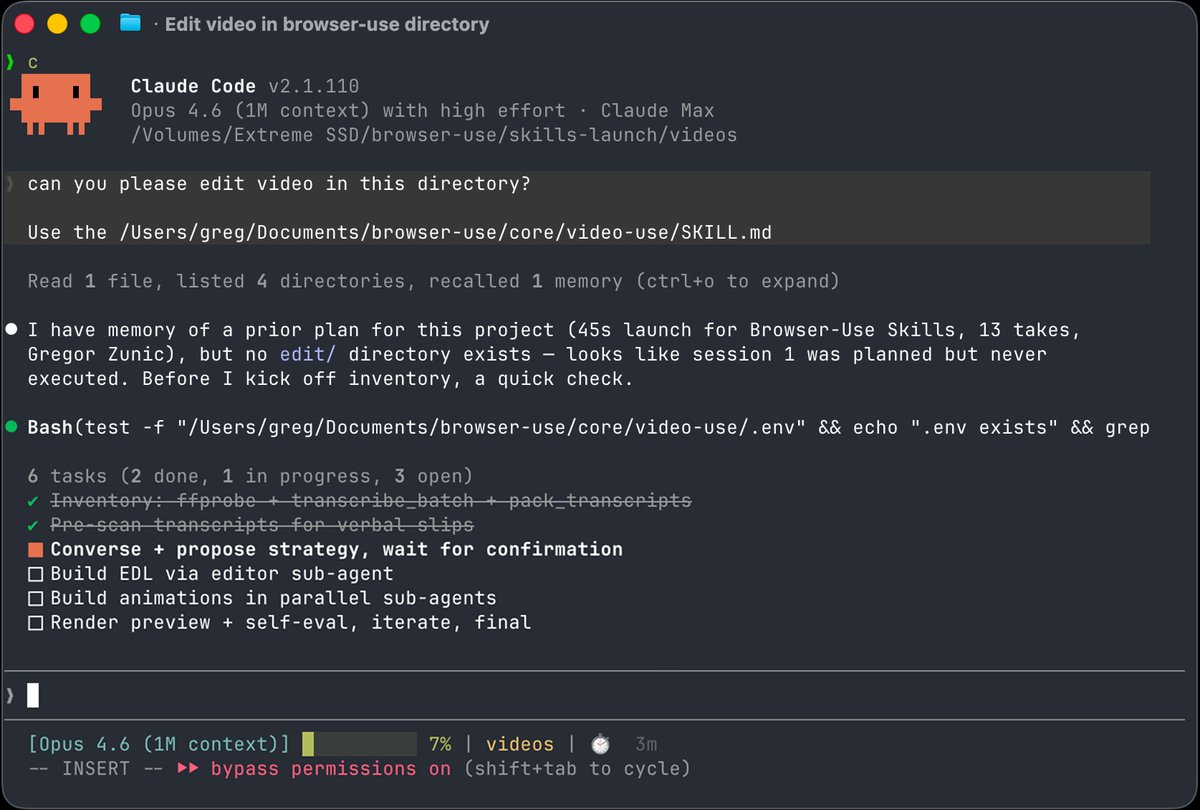
Start with video-use. Match its inputs and operating requirements to your job.

video-use capability illustration

Claude Code editing skill

video-use

★★★★☆ 4/5 for this task

The only tool here that cuts at word boundaries, with production checks built into its render (30 ms fades at each cut, subtitles applied last, every cut checked in the rendered file). Tested locally on French speech; subtitles not yet burned.

Give it
Folder of raw video takes; A plain-English brief
Get back
edit/final.mp4 with optional subtitles, colour grade and overlays; A cut list (edl.json) and a project.md memory
How it runs
Claude Code skill on the Mac; local transcription tested 15-09-2026, ElevenLabs Scribe optional at $0.22 an hour of audio
Processing location
Local by default on this Mac (faster-whisper); audio goes to ElevenLabs only when Scribe is chosen.
Charging model
ElevenLabs Scribe $0.22 an hour of audio (read 15-09-2026); rendering runs locally.
Choose it when
Use for talking footage; swap Scribe for the local faster-whisper before any private clip.
Watch for
With Scribe, every clip's audio is uploaded to ElevenLabs; the local helper keeps it on the Mac but hears one speaker only and misses some fillers and brand names.; Burned subtitles need ffmpeg with libass; the Homebrew build has none.; Cuts follow speech; footage without speech gives it little to work with.

Source preview

Full evidence and recipe

Edit a film by hand

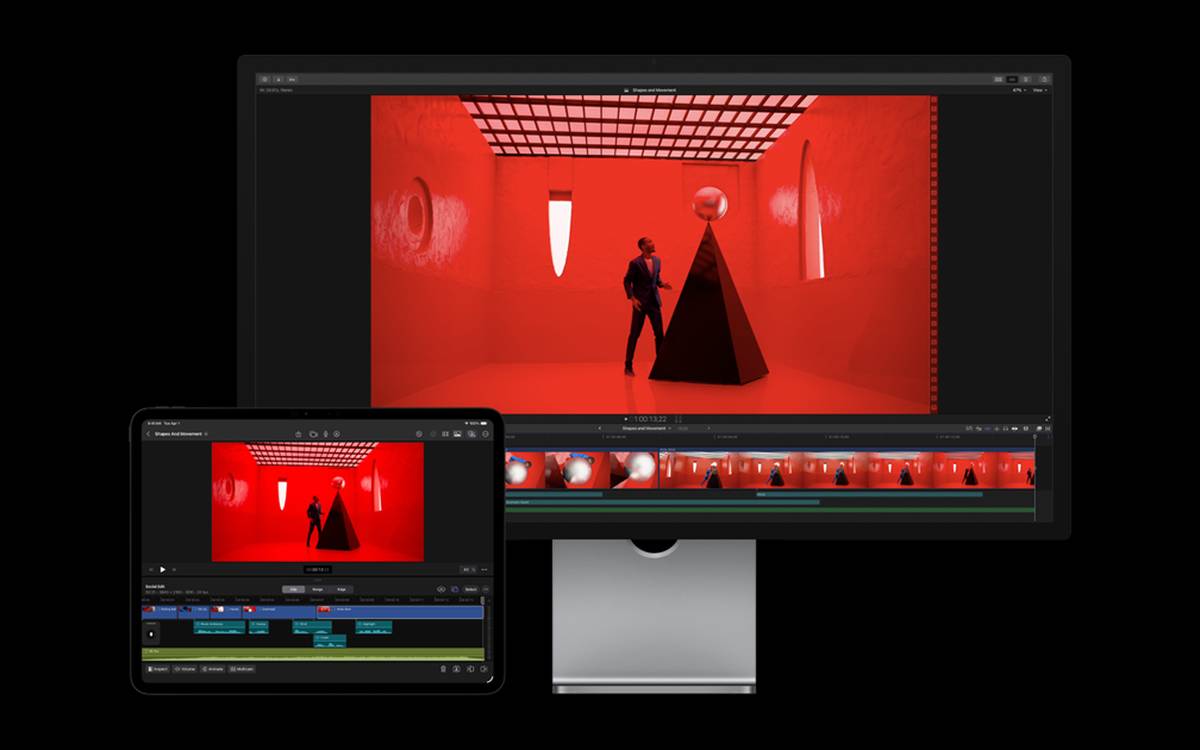
Start with Final Cut Pro or CapCut. Match its inputs and operating requirements to your job.

Final Cut Pro capability illustration

Timeline editor

Final Cut Pro

★★★★☆ 4/5 for this task

A strong manual finishing option; choose it for editor control rather than automated batch generation.

Give it
Video; Audio; Titles
Get back
Edited film
How it runs
Human-operated editing application
Processing location
Depends on the selected application, backend and hosting route.
Charging model
Check application, model and compute charges separately.
Choose it when
Use when a person needs precise editorial control over timing, picture and sound.
Watch for
Current licence and installation not checked.

Source preview

Full evidence and recipe
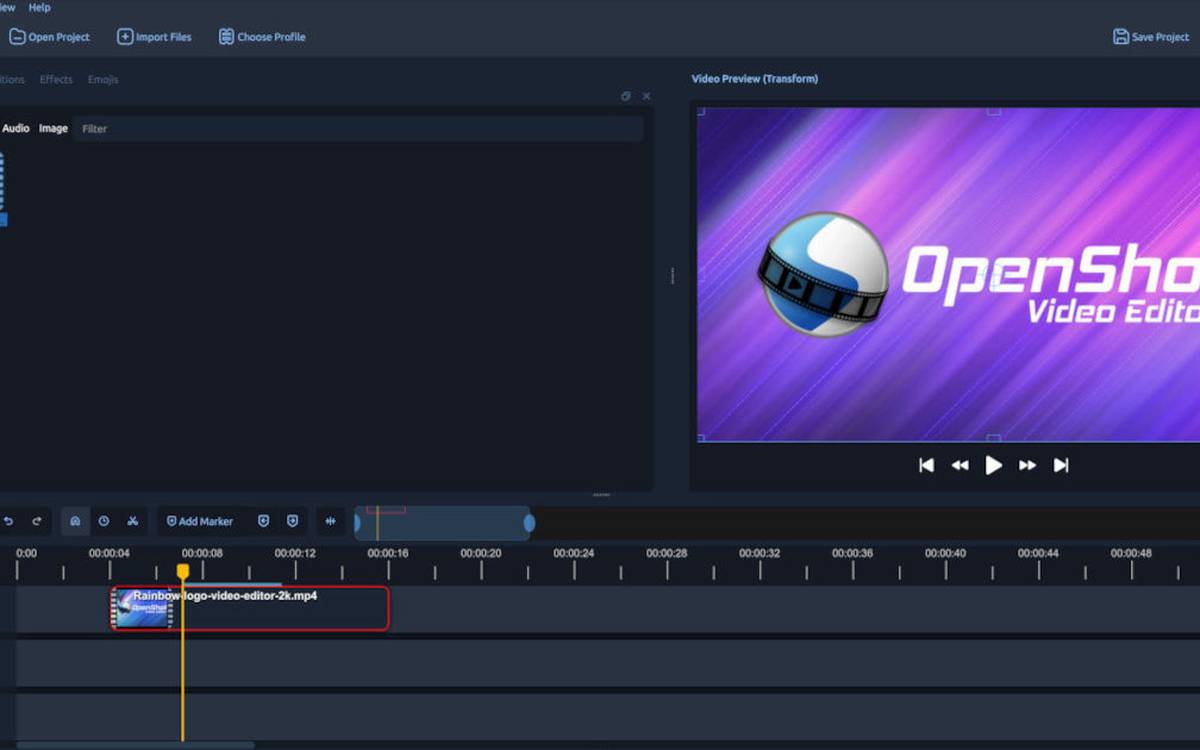
OpenShot capability illustration

Timeline editor

OpenShot

★★★☆☆ 3/5 for this task

A useful lighter manual option; select by needed editing features and workflow.

Give it
Video; Audio; Images
Get back
Edited video
How it runs
Human-operated editing application
Processing location
Depends on the selected application, backend and hosting route.
Charging model
Check application, model and compute charges separately.
Choose it when
Choose for accessible manual editing without adopting a commercial editor.
Watch for
Check export and performance with the intended project.

Source preview

Full evidence and recipe
CapCut capability illustration

Timeline/content editor

CapCut

★★★★☆ 4/5 for this task

Strong fit for interactive editing; not a model-quality comparison.

Give it
Video; Audio; Text
Get back
Edited video
How it runs
Application/API or supported runtime; access not rechecked
Processing location
Depends on the selected application, backend and hosting route.
Charging model
Check application, model and compute charges separately.
Choose it when
Choose for quick manual editing with effects and social-format delivery.
Watch for
Check feature availability, plan restrictions and export settings in the current application.

Source preview

Full evidence and recipe

Find a visual direction

Start with StillsLab or MotionSites. Match its inputs and operating requirements to your job.

StillsLab capability illustration

Visual reference library

StillsLab

★★★★☆ 4/5 for this task

Useful reference source, not a generator; there is no generated-image quality score.

Give it
Task-specific source material
Get back
Depends on the identified workflow
How it runs
Application/API or supported runtime; access not rechecked
Processing location
Depends on the selected application, backend and hosting route.
Charging model
Check application, model and compute charges separately.
Choose it when
Use to choose and describe a visual direction before generating a shot.
Watch for
Reference frames remain third-party works; do not treat them as production stock assets.

Source preview

Full evidence and recipe
MotionSites capability illustration

Reference/prompt library

MotionSites

★★★★☆ 4/5 for this task

Strong fit as a website-motion reference, not a general-purpose film tool.

Give it
Task-specific source material
Get back
Depends on the identified workflow
How it runs
Application/API or supported runtime; access not rechecked
Processing location
Depends on the selected application, backend and hosting route.
Charging model
Check application, model and compute charges separately.
Choose it when
Use for motion-led website references and prompts; keep film production in its own workflow.
Watch for
A prompt or reference is not a working editor or an assurance of a reproducible result.

Source preview

Full evidence and recipe
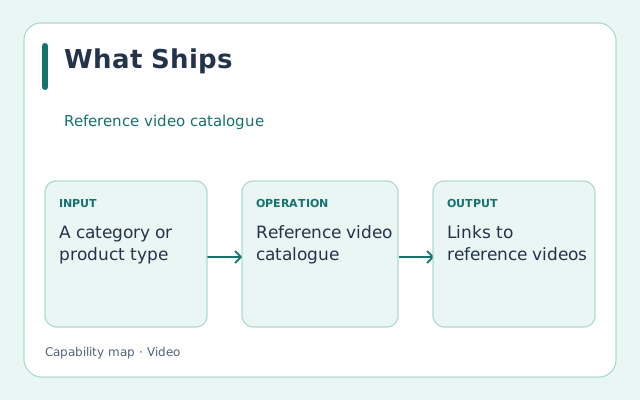
What Ships capability illustration

Reference video catalogue

What Ships

★★★☆☆ 3/5 for this task

Naming a reference film is what moves Claude off its default look (centred text, gradient, everything fading in). Good for product films; narrow for anything else.

Give it
A category or product type
Get back
Links to reference videos
How it runs
Browse on the web and hand Claude the link of the film to match.
Processing location
Public website.
Charging model
Free.
Choose it when
Use it for step one of the motion-graphics card: choose a reference, then ask Claude to match it.
Watch for
Watch only, the videos stay on X.; Style range is startup marketing.

Capability diagram

Full evidence and recipe

Generate video shots

Start with Veo or Seedance. Match its inputs and operating requirements to your job. Other equally rated options appear below.

Veo capability illustration

Hosted video model

Veo

★★★★☆ 4/5 for this task

Clear API route for controlled shot generation; no visual-quality lead is claimed.

Give it
Prompt; Reference image where supported
Get back
Generated clip
How it runs
Application/API or supported runtime; access not rechecked
Processing location
Provider-hosted processing; check the selected route.
Charging model
Hosted plan or usage charges; current price not quoted.
Choose it when
Use for a Google-based scripted shot-generation pipeline.
Watch for
Pin the exact version and check supported reference/audio features. A matching last frame does not guarantee a seamless edit.

Source preview

Full evidence and recipe
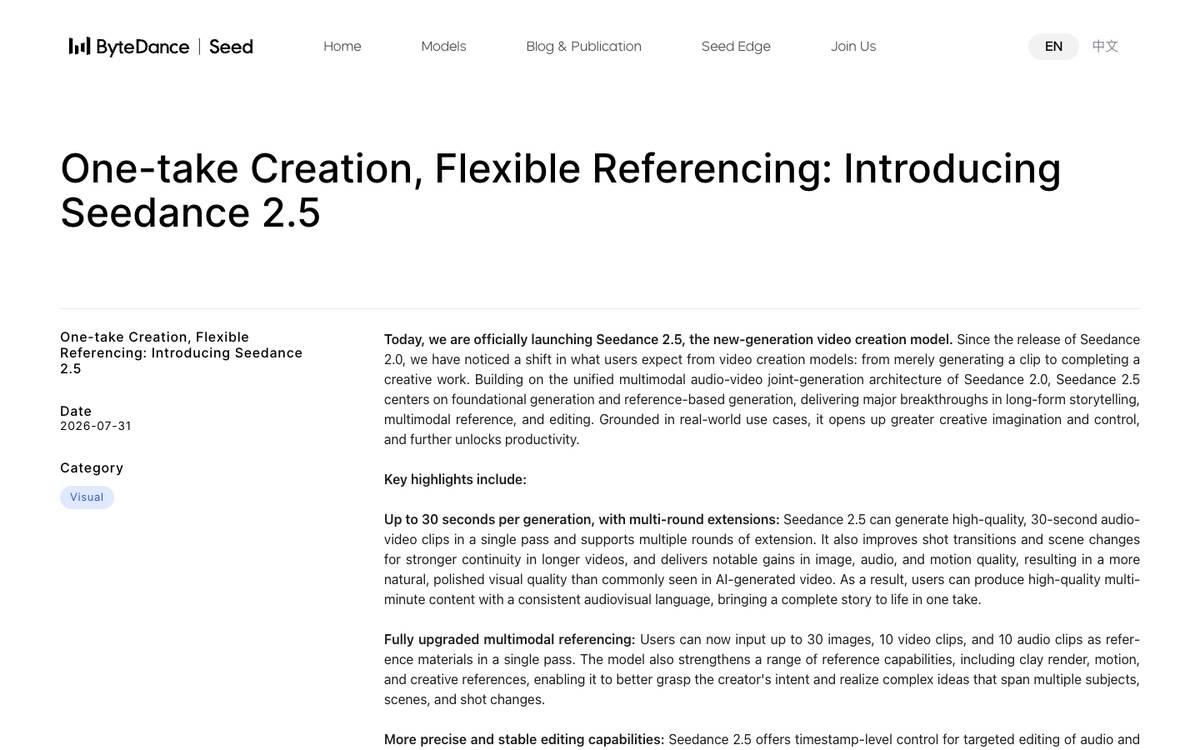
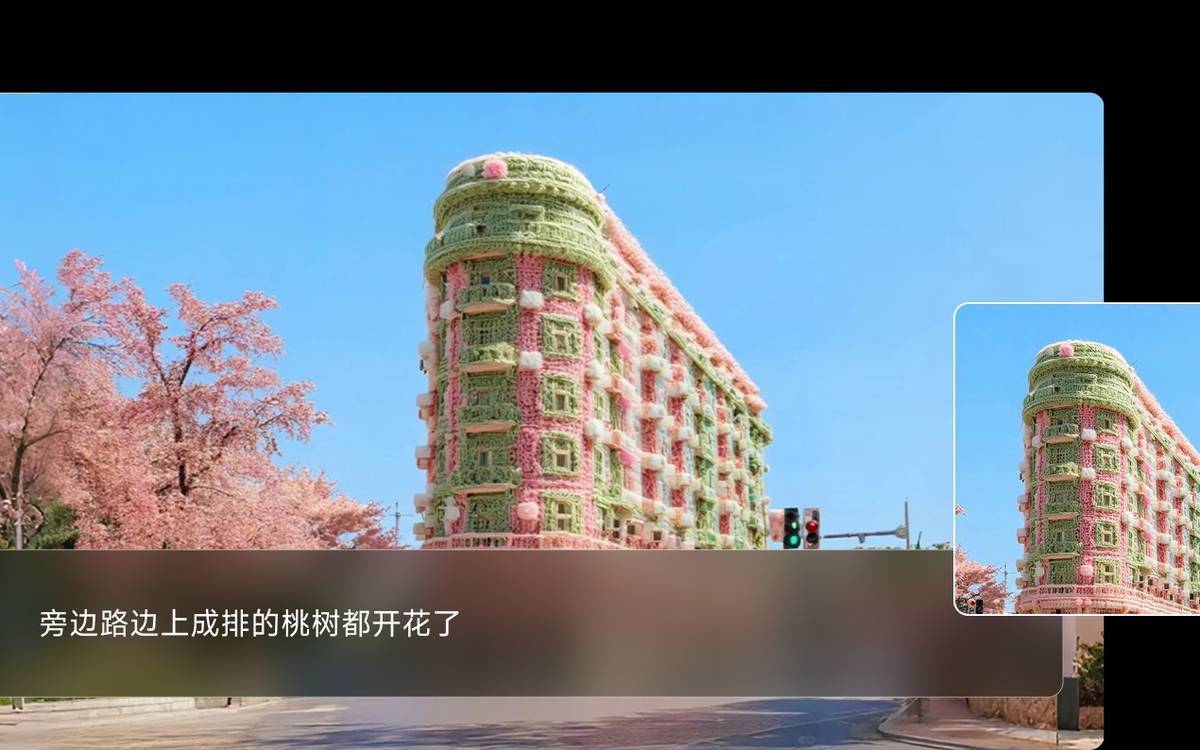
Seedance capability illustration

Hosted video model

Seedance

★★★★☆ 4/5 for this task

A relevant alternative for reference-driven shots; official capability descriptions do not establish superiority on your brief.

Give it
Prompt; Image/audio/video references supported by the chosen version
Get back
Generated clip
How it runs
Application/API or supported runtime; access not rechecked
Processing location
Provider-hosted processing; check the selected route.
Charging model
Hosted plan or usage charges; current price not quoted.
Choose it when
Evaluate when reference-driven motion and multi-shot storytelling are important.
Watch for
Choose the actual model version offered by the provider; no current quota or price claim.

Source preview

Full evidence and recipe
Grok Imagine Video capability illustration

Hosted video model

Grok Imagine Video

★★★★☆ 4/5 for this task

Useful because a Studio route already exists; rejected takes and service limits still matter.

Give it
Prompt; Supported image/video references
Get back
Generated video
How it runs
Application/API or supported runtime; access not rechecked
Processing location
Provider-hosted processing; check the selected route.
Charging model
Hosted plan or usage charges; current price not quoted.
Choose it when
Use for the existing Grok-based generation route, then inspect identity, speech and editability.
Watch for
Do not call it free per finished video without accounting for plan limits, retries and the selected access route.

Source preview

Full evidence and recipe
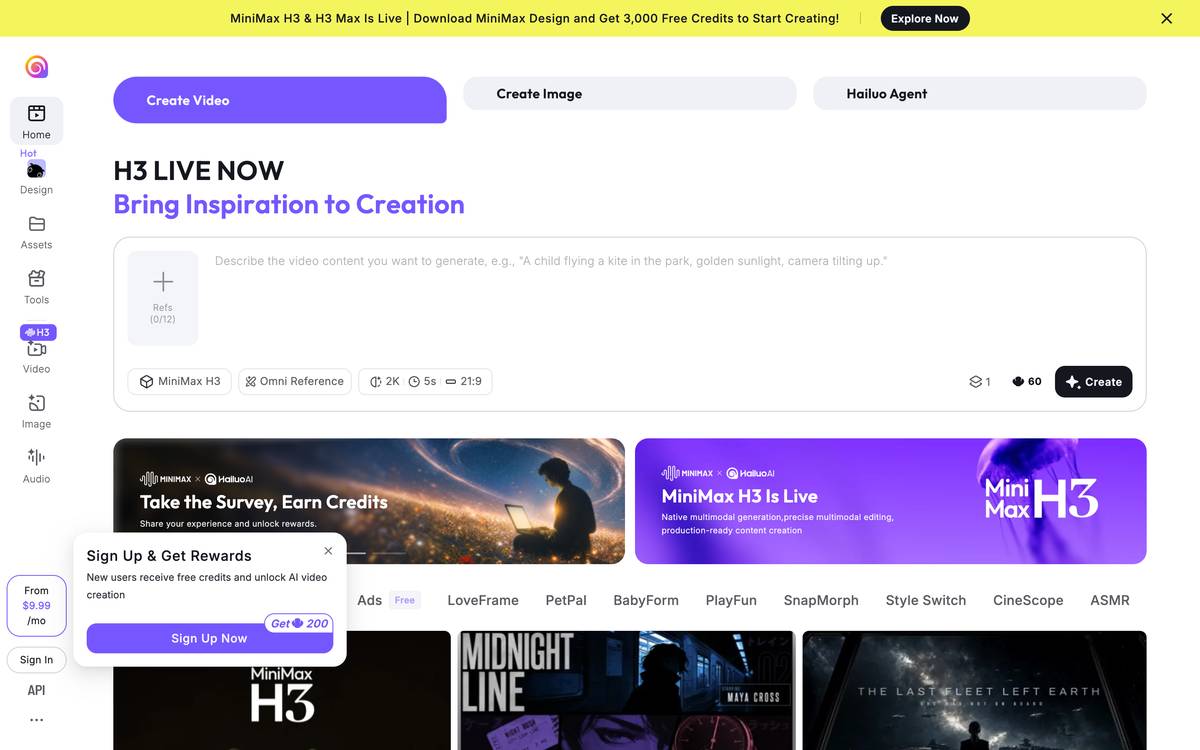
MiniMax H3 capability illustration

Video/audio model

MiniMax H3

★★★☆☆ 3/5 for this task

Official model identity confirmed, but the Studio route and results remain untested.

Give it
Text; Supported image/video/audio references
Get back
Generated audiovisual clip
How it runs
Application/API or supported runtime; access not rechecked
Processing location
Self-hosted if deployed locally, otherwise provider-dependent.
Charging model
Compute and model/weight terms; hosted wrappers charge separately.
Choose it when
Evaluate where mixed reference inputs are needed; select API or deployment route explicitly.
Watch for
Check the actual model licence and hosting route. Existing geographic/licensing summaries are not legal clearance.

Source preview

Full evidence and recipe
Kling capability illustration

Video model/platform family

Kling

Not rated

Current direct official documentation could not be read in this pass; no fair task rating assigned.

Give it
Prompt; Supported references
Get back
Generated clips
How it runs
Application/API or supported runtime; access not rechecked
Processing location
Self-hosted if deployed locally, otherwise provider-dependent.
Charging model
Compute and model/weight terms; hosted wrappers charge separately.
Choose it when
Keep as an alternative for a like-for-like shot test through a verified provider.
Watch for
Provider model listing confirms availability only within that provider, not performance or direct-account access.

Source preview

Full evidence and recipe

Host a video model

Start with RunPod. Match its inputs and operating requirements to your job.

RunPod capability illustration

GPU hosting service

RunPod

★★★★☆ 4/5 for this task

Fits the existing rented-GPU architecture; compare full workflow cost rather than advertised GPU rate alone.

Give it
Container/runtime; Model; Inputs
Get back
Compute execution and model outputs
How it runs
Application/API or supported runtime; access not rechecked
Processing location
Cloud GPU hosting.
Charging model
Rented compute, storage and runtime; include retries and idle time.
Choose it when
Use when an open model needs hardware beyond the local computer.
Watch for
Include startup, idle time, storage, failed jobs and retries in any cost calculation.

Source preview

Full evidence and recipe

Lip-sync an existing face clip

Start with MuseTalk or LatentSync. Match its inputs and operating requirements to your job.

MuseTalk capability illustration

Lip-sync model

MuseTalk

★★★★☆ 4/5 for this task

Directly matches the lip-sync stage; inspect mouth detail and identity on your material.

Give it
Face image/video; Approved audio
Get back
Lip-synchronised video
How it runs
Application/API or supported runtime; access not rechecked
Processing location
Self-hosted if deployed locally, otherwise provider-dependent.
Charging model
Compute and model/weight terms; hosted wrappers charge separately.
Choose it when
Use when you already have the face material and approved speech to synchronise.
Watch for
Real-time claims depend on hardware and setup; no measured speed claim here.

Source preview

Full evidence and recipe
LatentSync capability illustration

Lip-sync diffusion model

LatentSync

★★★★☆ 4/5 for this task

A true same-stage alternative to MuseTalk; final choice needs visual inspection, not unrelated model scores.

Give it
Face video; Approved audio
Get back
Lip-synchronised video
How it runs
Application/API or supported runtime; access not rechecked
Processing location
Self-hosted if deployed locally, otherwise provider-dependent.
Charging model
Compute and model/weight terms; hosted wrappers charge separately.
Choose it when
Compare against MuseTalk using the same face clip and approved audio.
Watch for
Version changes affect memory and output; more guidance can distort the face.

Source preview

Full evidence and recipe

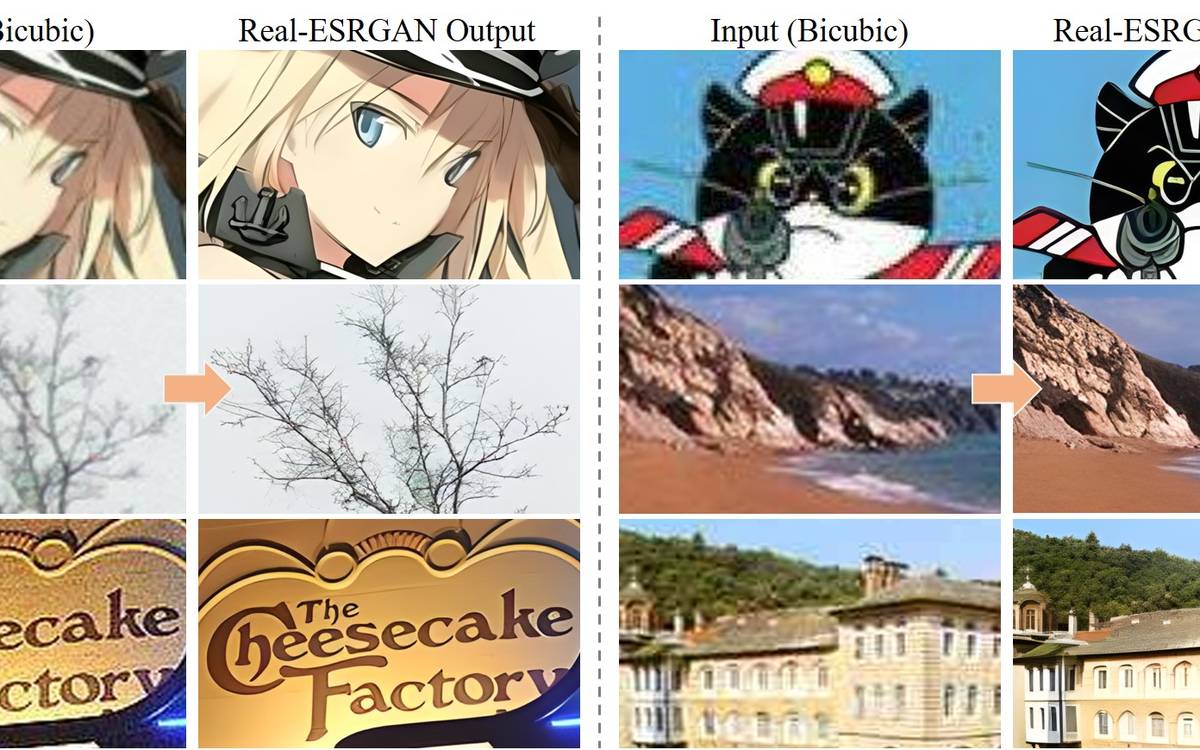
Restore and upscale media

Start with Real-ESRGAN. Match its inputs and operating requirements to your job.

Real-ESRGAN capability illustration

Restoration model

Real-ESRGAN

★★★★☆ 4/5 for this task

A specialised finishing step, separate from generation and editing.

Give it
Existing frames/images
Get back
Restored/upscaled frames
How it runs
Application/API or supported runtime; access not rechecked
Processing location
Self-hosted if deployed locally, otherwise provider-dependent.
Charging model
Compute and model/weight terms; hosted wrappers charge separately.
Choose it when
Use when existing footage needs restoration, then inspect whether details remain faithful.
Watch for
Check faces, fine text and temporal consistency; restoration can invent detail.

Source preview

Full evidence and recipe

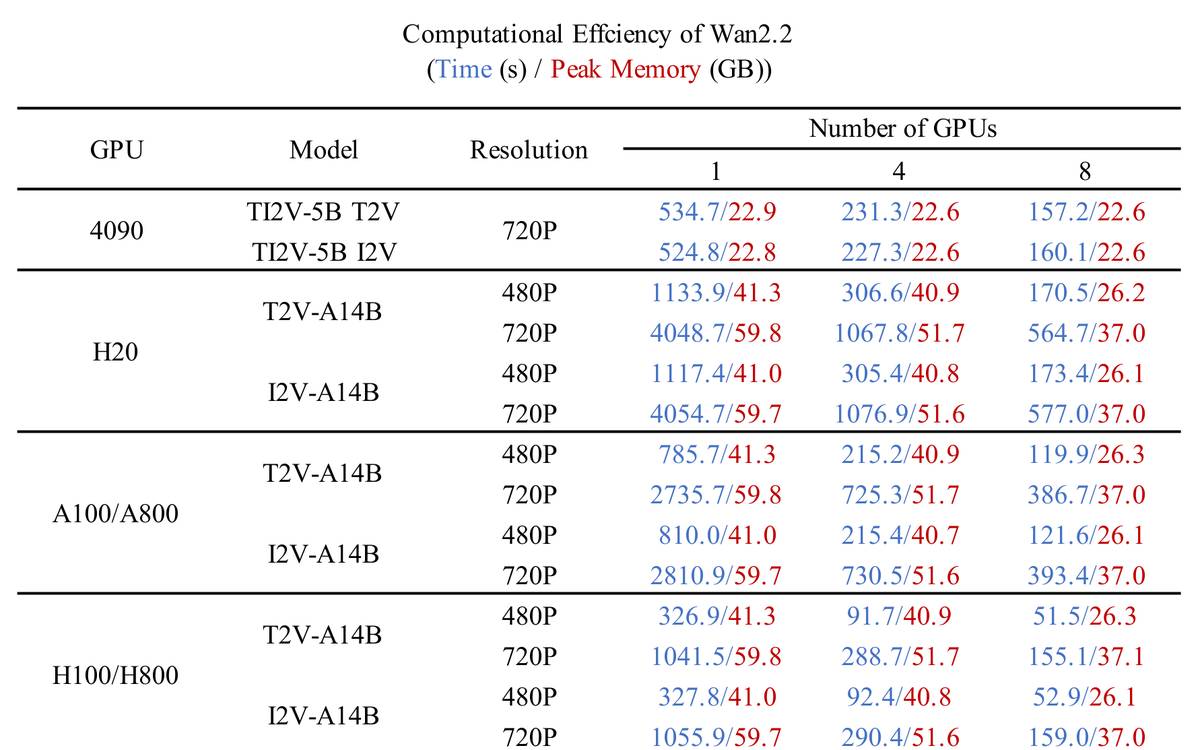
Run open video models

Start with Wan video models or LTX Video / LTX-2. Match its inputs and operating requirements to your job.

Wan video models capability illustration

Open video model family

Wan video models

★★★★☆ 4/5 for this task

Multiple explicit model variants make it a useful self-hosted route; choose the task-specific variant.

Give it
Prompt; Image or audio depending on variant
Get back
Generated video
How it runs
Application/API or supported runtime; access not rechecked
Processing location
Self-hosted if deployed locally, otherwise provider-dependent.
Charging model
Compute and model/weight terms; hosted wrappers charge separately.
Choose it when
Start here when you need an open-model experiment on a suitable GPU.
Watch for
Budget the full workflow including setup, retries and processing; no universal cost-per-minute claim.

Source preview

Full evidence and recipe
LTX Video / LTX-2 capability illustration

Open video model family

LTX Video / LTX-2

★★★★☆ 4/5 for this task

A distinct open-model alternative; suitability depends on version and integration rather than the family name.

Give it
Prompt; Supported references
Get back
Generated clips
How it runs
Application/API or supported runtime; access not rechecked
Processing location
Self-hosted if deployed locally, otherwise provider-dependent.
Charging model
Compute and model/weight terms; hosted wrappers charge separately.
Choose it when
Evaluate alongside Wan with the same shot brief and hardware constraints.
Watch for
Do not transfer runtime or quality claims between LTX versions.

Source preview

Full evidence and recipe
HunyuanVideo capability illustration

Open video model family

HunyuanVideo

★★★☆☆ 3/5 for this task

Relevant for experimentation; no working Studio deployment established here.

Give it
Prompt; References supported by the chosen model
Get back
Generated clips
How it runs
Application/API or supported runtime; access not rechecked
Processing location
Self-hosted if deployed locally, otherwise provider-dependent.
Charging model
Compute and model/weight terms; hosted wrappers charge separately.
Choose it when
Use as a candidate where its selected model and deployment meet the project needs.
Watch for
Check model-specific licence, hardware and runtime support.

Source preview

Full evidence and recipe

Unresolved identities

No evidence-based starting preference is assigned yet. Compare the documented inputs, outputs and operating requirements, then verify the option before using it.

Wondershare (product unresolved) capability illustration

Vendor label

Wondershare (product unresolved)

Not rated

Coverage retained without inventing a rating; evidence is not sufficient for a current recommendation.

Give it
Task-specific source material
Get back
Depends on the identified workflow
How it runs
Application/API or supported runtime; access not rechecked
Processing location
Depends on the selected application, backend and hosting route.
Charging model
Check application, model and compute charges separately.
Choose it when
Retain as a reference; resolve current capability and access before selection.
Watch for
Current primary-source verification or exact identity remains incomplete.
Capability diagram

Full evidence and recipe

Video creation workspaces

Start with Google AI Studio. Match its inputs and operating requirements to your job.

Hailuo capability illustration

Video-generation application

Hailuo

★★★☆☆ 3/5 for this task

Distinguishes the application from the underlying model; account and route need checking.

Give it
Prompt; Reference material
Get back
Generated clips
How it runs
Application/API or supported runtime; access not rechecked
Processing location
Depends on the selected application, backend and hosting route.
Charging model
Check application, model and compute charges separately.
Choose it when
Choose the app when you want an interactive MiniMax workflow.
Watch for
Model availability in the app may differ from the API.

Source preview

Full evidence and recipe
Google AI Studio capability illustration

Model-development interface

Google AI Studio

★★★★☆ 4/5 for this task

The natural interface counterpart to a Google-model route; output quality comes from the selected model.

Give it
Prompts; Supported media
Get back
Model responses or generated media
How it runs
Application/API or supported runtime; access not rechecked
Processing location
Self-hosted if deployed locally, otherwise provider-dependent.
Charging model
Compute and model/weight terms; hosted wrappers charge separately.
Choose it when
Use to try the supported Google model and prepare an API workflow.
Watch for
Check the available model and account tier rather than assuming access from old tutorials.

Source preview

Full evidence and recipe
Magic Hour capability illustration

Hosted media platform

Magic Hour

★★★☆☆ 3/5 for this task

A documented task-oriented workspace; no current Studio production trial establishes a default.

Give it
Task-specific source material
Get back
Depends on the identified workflow
How it runs
Application/API or supported runtime; access not rechecked
Processing location
Provider-hosted processing; check the selected route.
Charging model
Hosted plan or usage charges; current price not quoted.
Choose it when
Choose a focused hosted task such as photo-to-video or restyling when it fits your source material.
Watch for
The platform routes different underlying models; compare the actual model and access route.

Source preview

Full evidence and recipe