Comparison
Compare video tools
All video tools side by side, by task, with stars and reasons.
Mockup, 14-09-2026: the proposed page, built from the real records. Not live.
Make a film, generate shots, edit and restore. Every tool is compared with the others doing the same work.
From a script, a topic or a product's own screens to a finished file. Compare these tools
Workflow
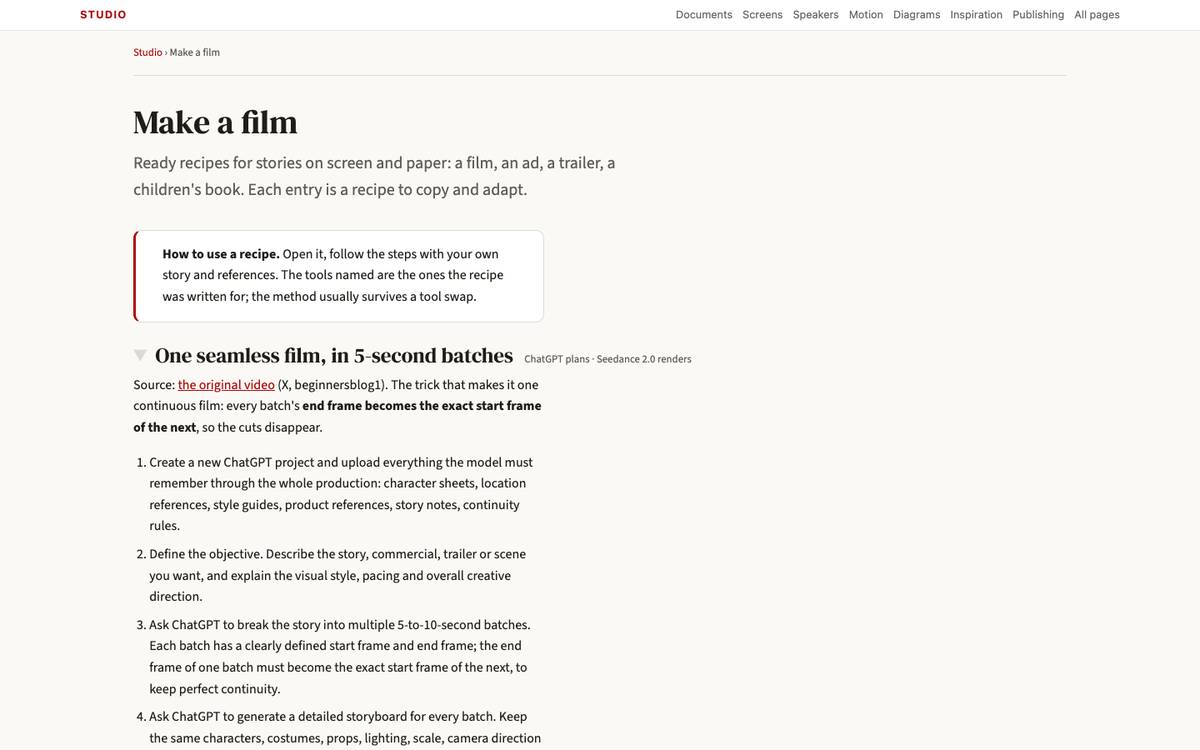
A story to the screen, batch by batch.
★★★★☆ · Automate a content pipeline
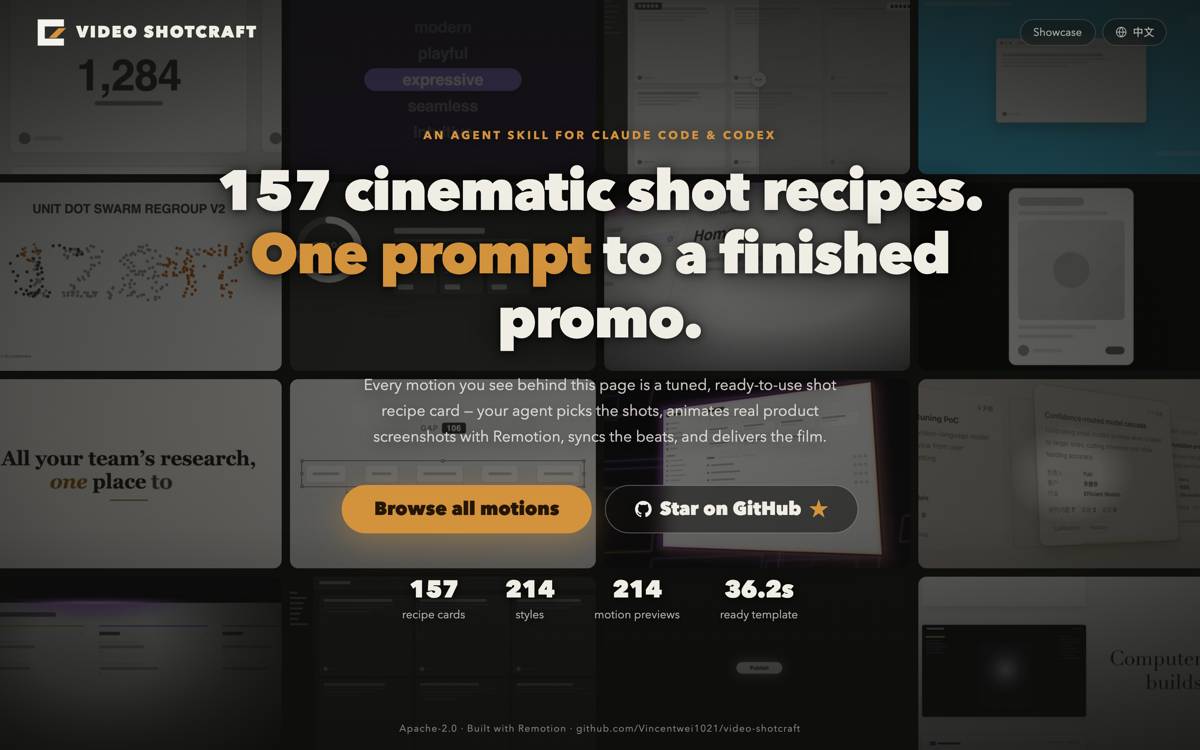
A Claude Code and Codex skill that turns a product's real screens into a short promo film on Remotion, using 157 shot recipes with tuned code, sound effects and optional music.
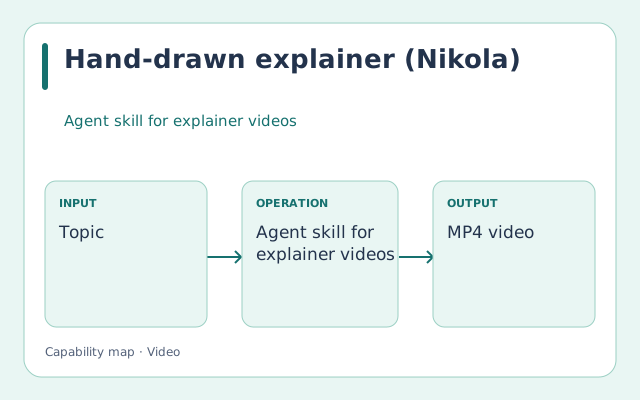
★★★☆☆ · Automate a content pipeline
A Codex skill that turns a topic, a script or a subtitle file into an explainer video drawn stroke by stroke, or animated as cards and diagrams.
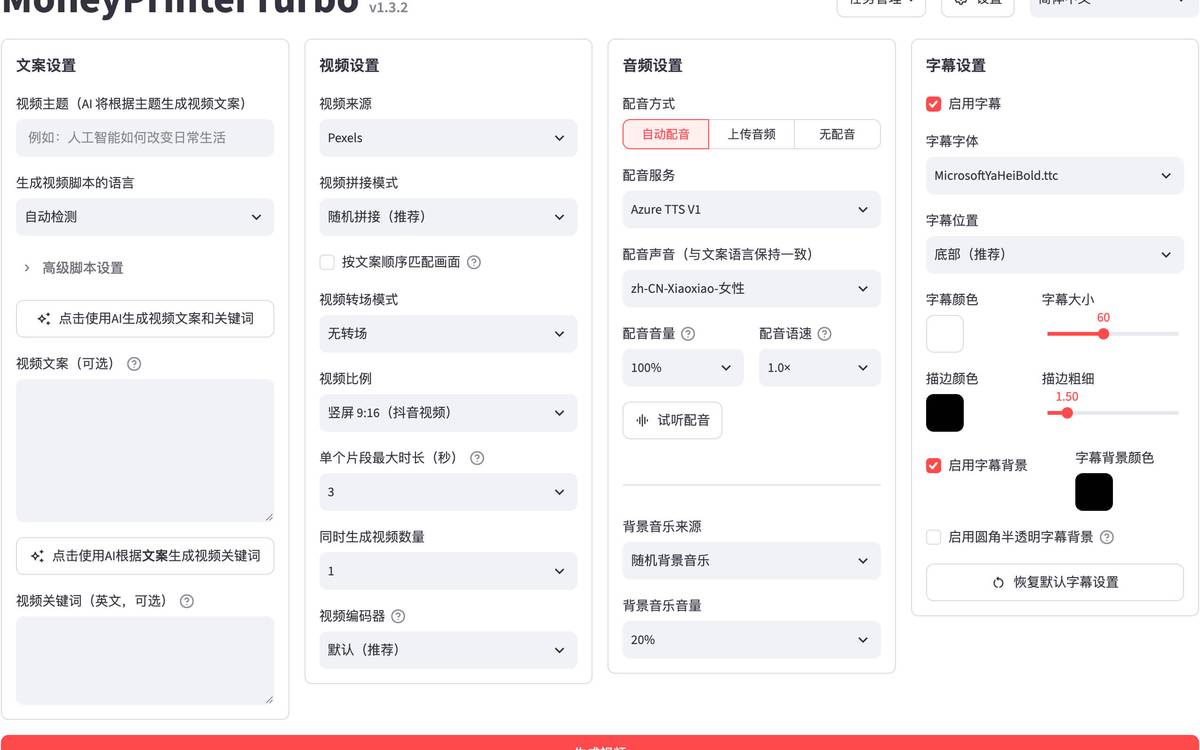
★★★☆☆ · Automate a content pipeline
Builds short videos through a pipeline of scripts, assets, narration and assembly.
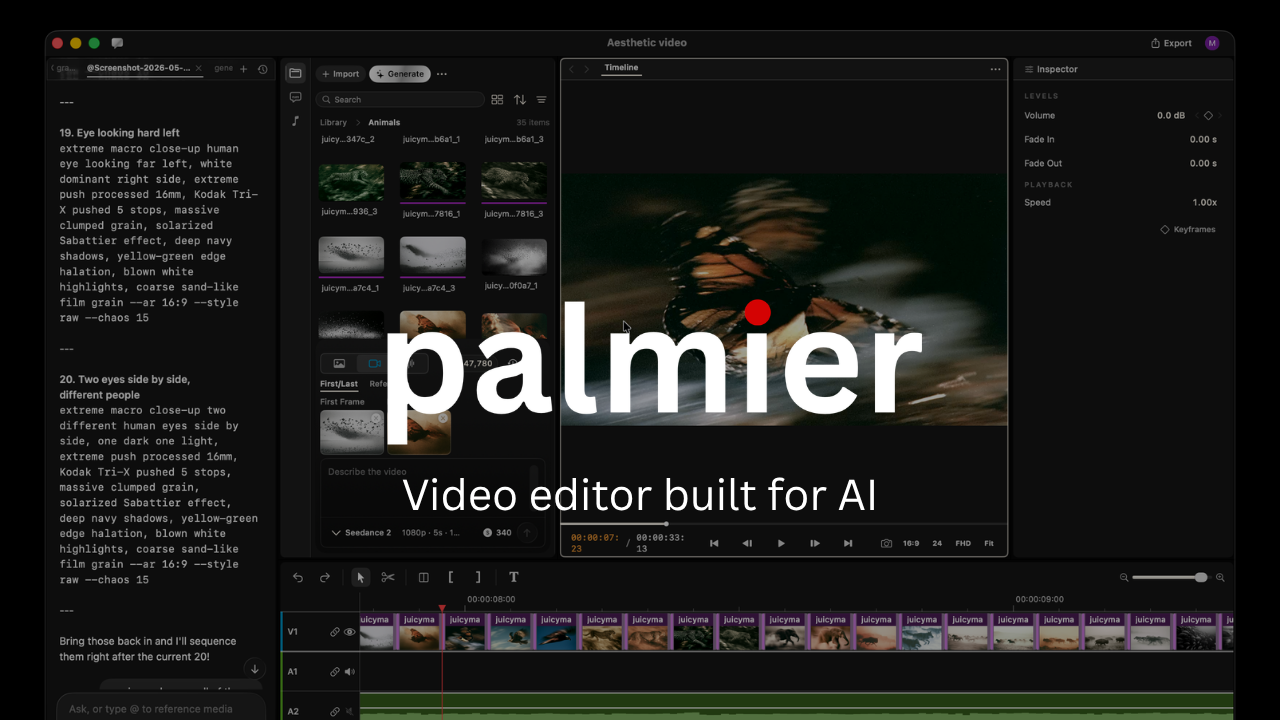
★★★☆☆ · Automate a content pipeline
Mac timeline editor with generation and agent editing through MCP.
Not rated · Automate a content pipeline
The local collection of scripts and skills that connects production steps.
Moving pictures from a prompt or a still, hosted or open. Compare these tools

★★★★☆ · Video creation workspaces
Google interface for exploring and building with its models.
★★★★☆ · Generate video shots
xAI video generation, distinct from Grok’s live conversational voice.
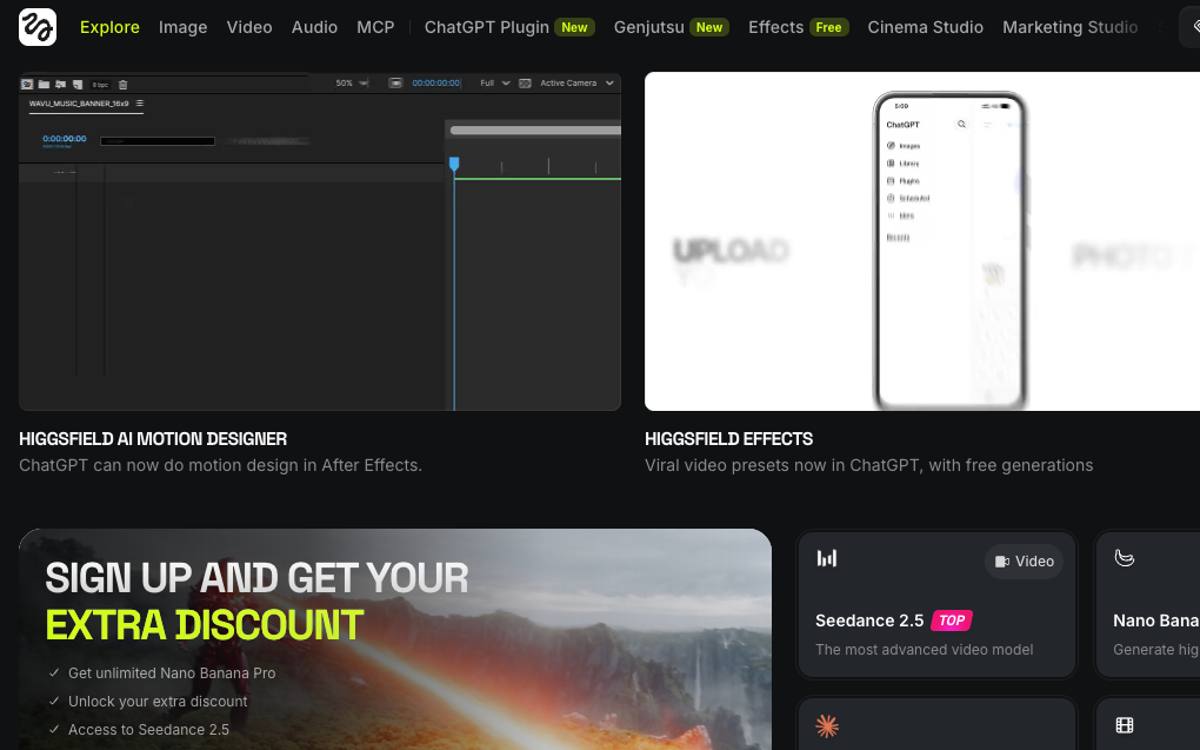
★★★★☆ · Video creation workspaces
Routes image and video jobs through an agent-accessible platform.
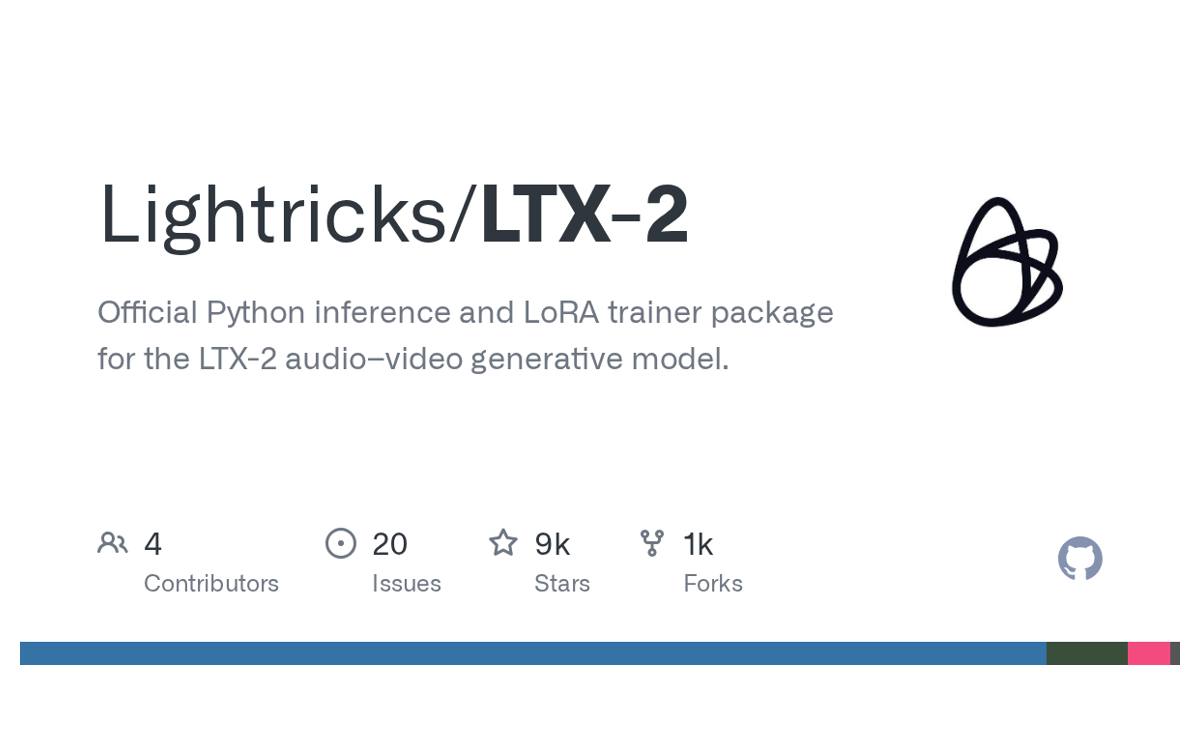
★★★★☆ · Run open video models
Lightricks video models and associated generation workflows.
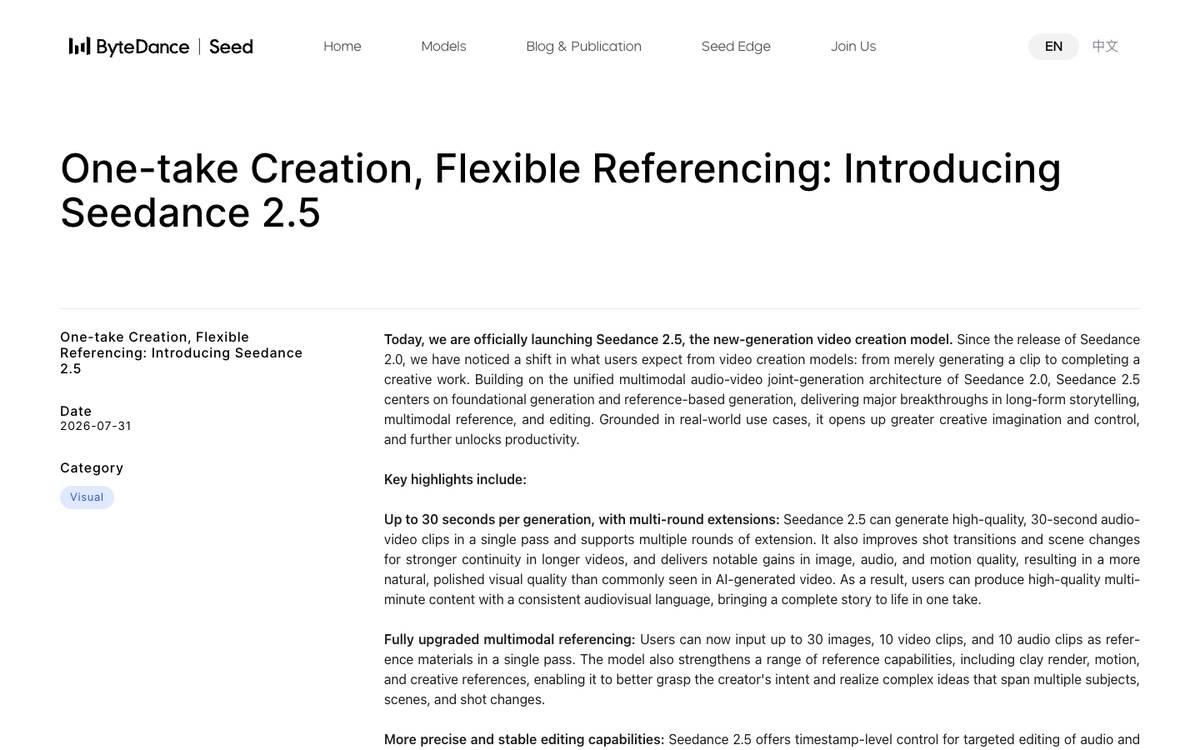
★★★★☆ · Generate video shots
ByteDance video-generation family with multimodal reference capabilities in newer releases.
★★★★☆ · Generate video shots
Google video-generation model accessed through supported Google APIs and interfaces.
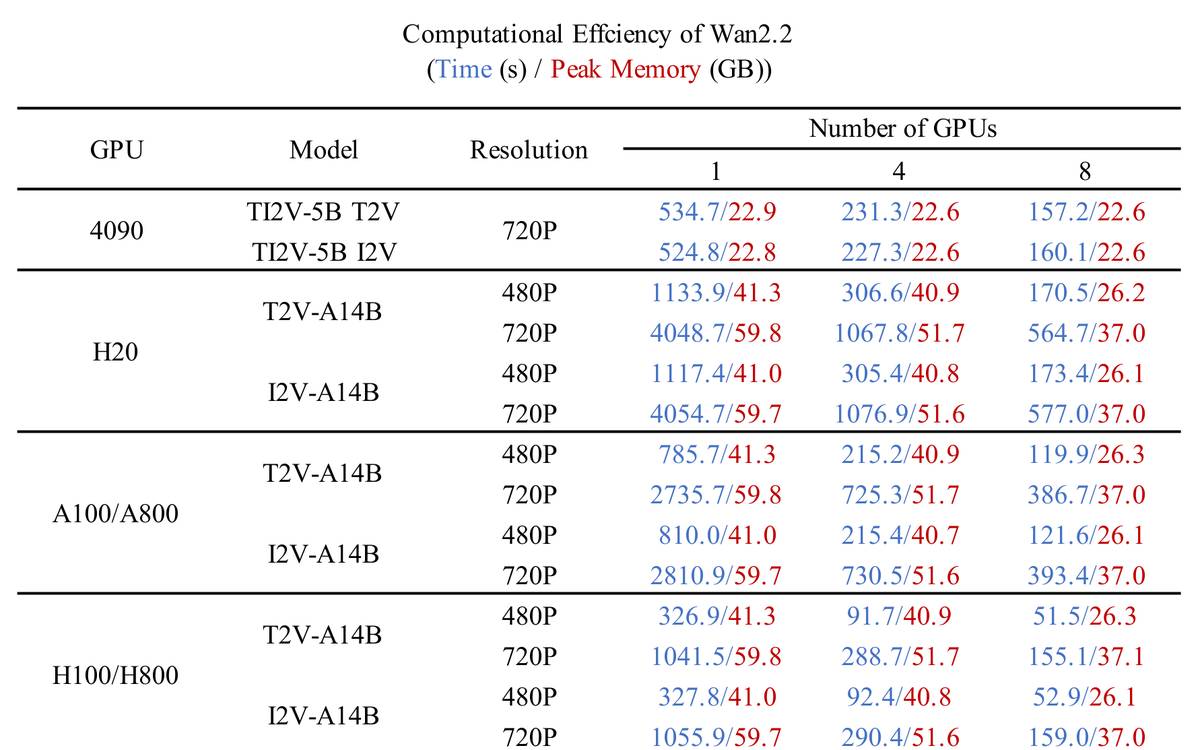
★★★★☆ · Run open video models
Open model family with text, image, speech-to-video and animation variants.
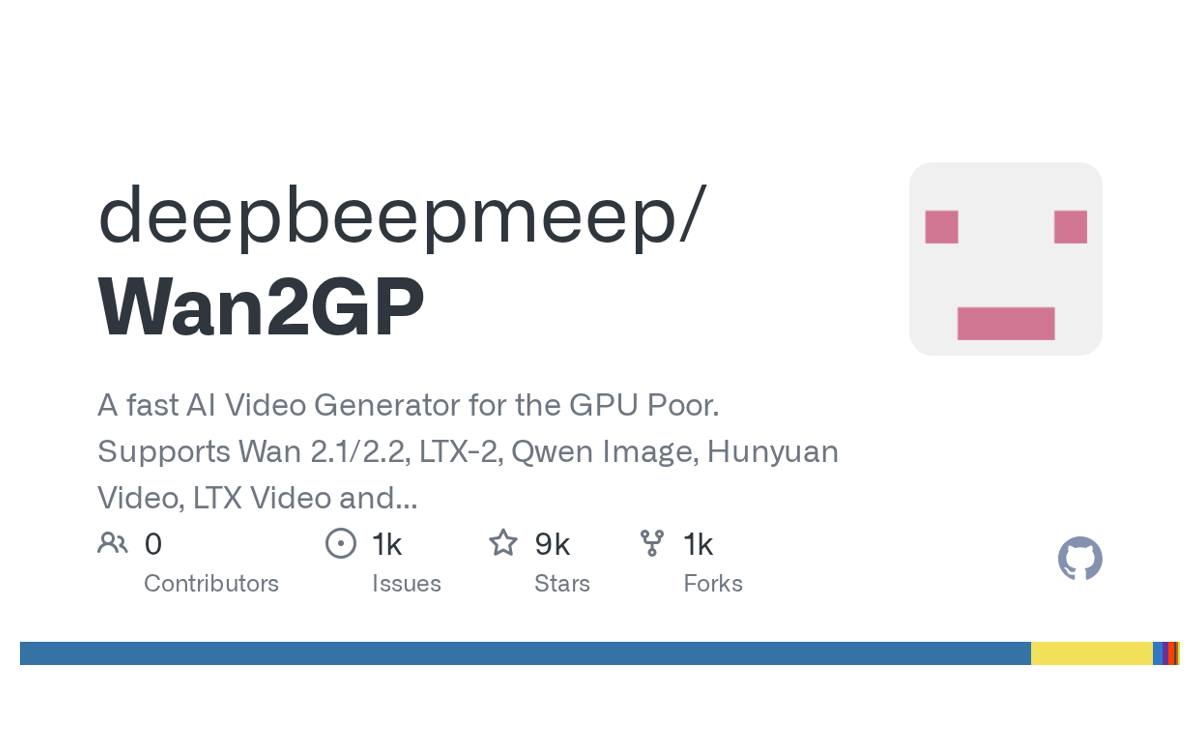
★★★★☆ · Video creation workspaces
GPU-oriented application supporting image models alongside video models.
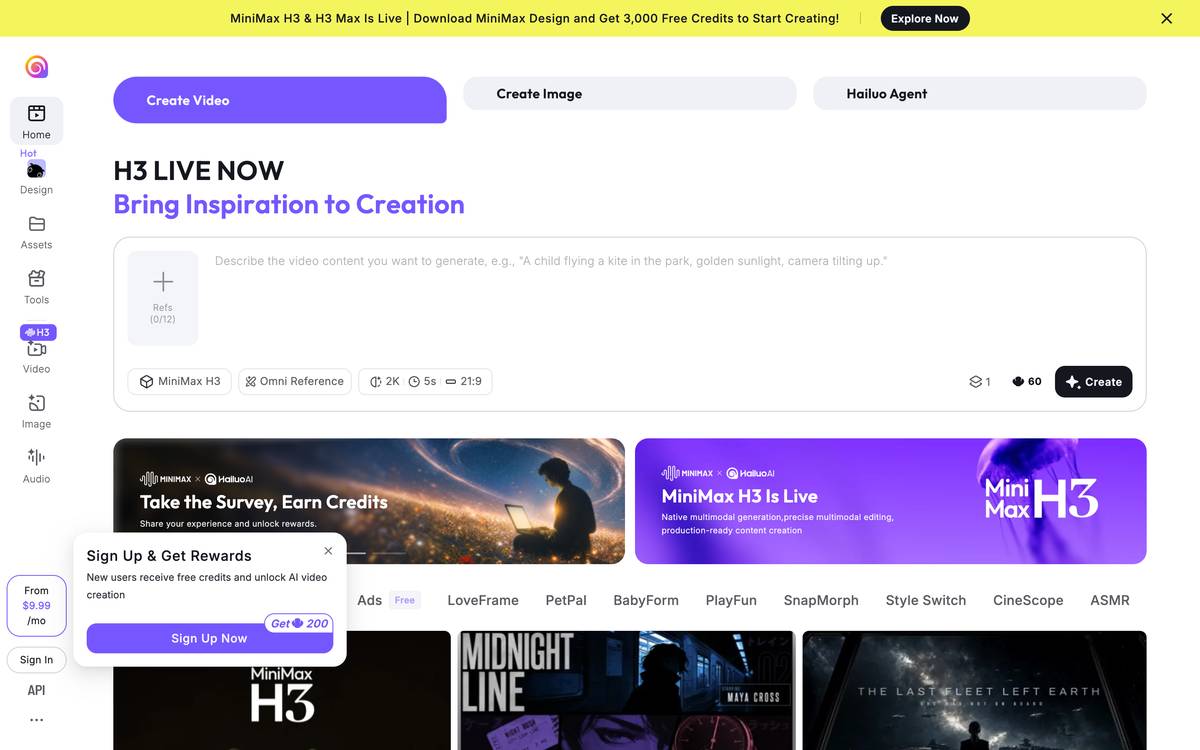
★★★☆☆ · Video creation workspaces
MiniMax’s user-facing video creation service.
★★★☆☆ · Run open video models
Tencent open video model family.

★★★☆☆ · Video creation workspaces
Image creation and enhancement platform with a documented developer API.

★★★☆☆ · Video creation workspaces
Hosted platform grouping text/image/video generation and editing workflows.
★★★☆☆ · Generate video shots
MiniMax multimodal video model with reference-based generation.
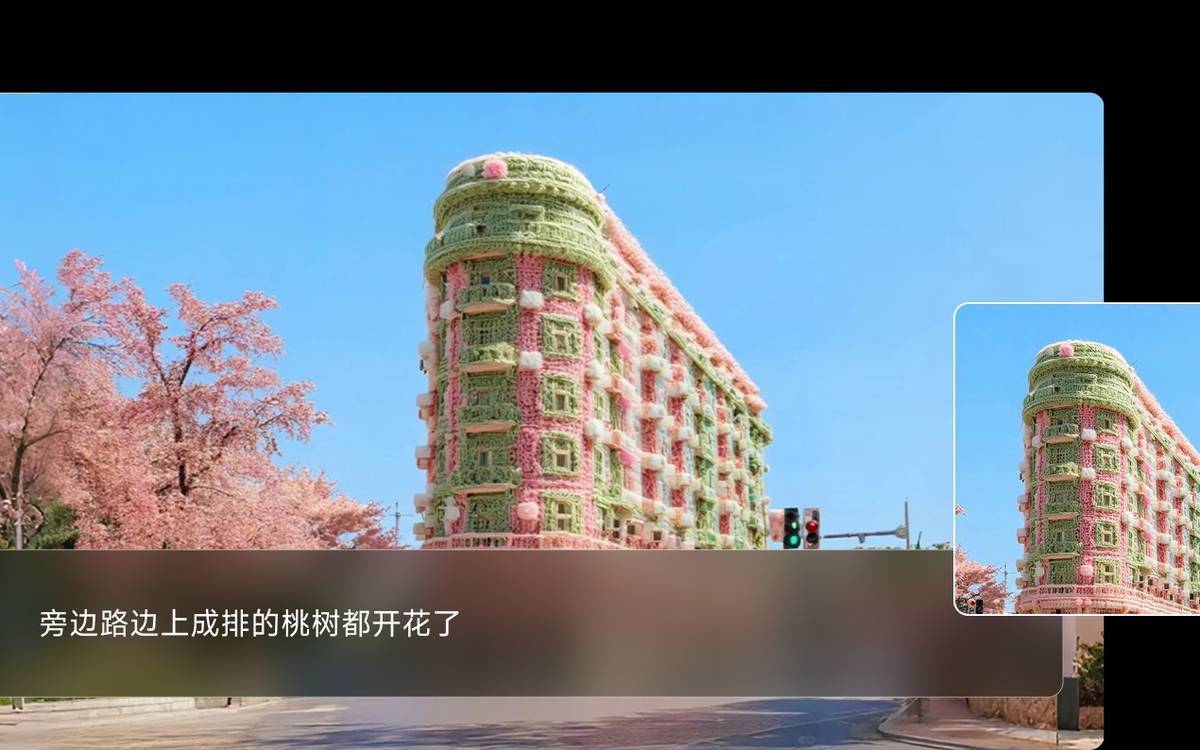
Not rated · Generate video shots
Video-generation family named in the existing Studio routes.
Stills and moving references to decide the look before generating. Compare these tools
Cut by hand, assemble in code, convert, and bring old footage up to quality. Compare these tools
★★★★★ · Assemble, convert and export
Command-line processing for video, audio, filters, subtitles and export.
★★★★★ · Assemble, convert and export
Creates videos from React code: text, charts and layouts placed frame by frame, rendered to MP4.
★★★★☆ · Edit a film by hand
Desktop video editor with editing, effects, search and AI-assisted content features.
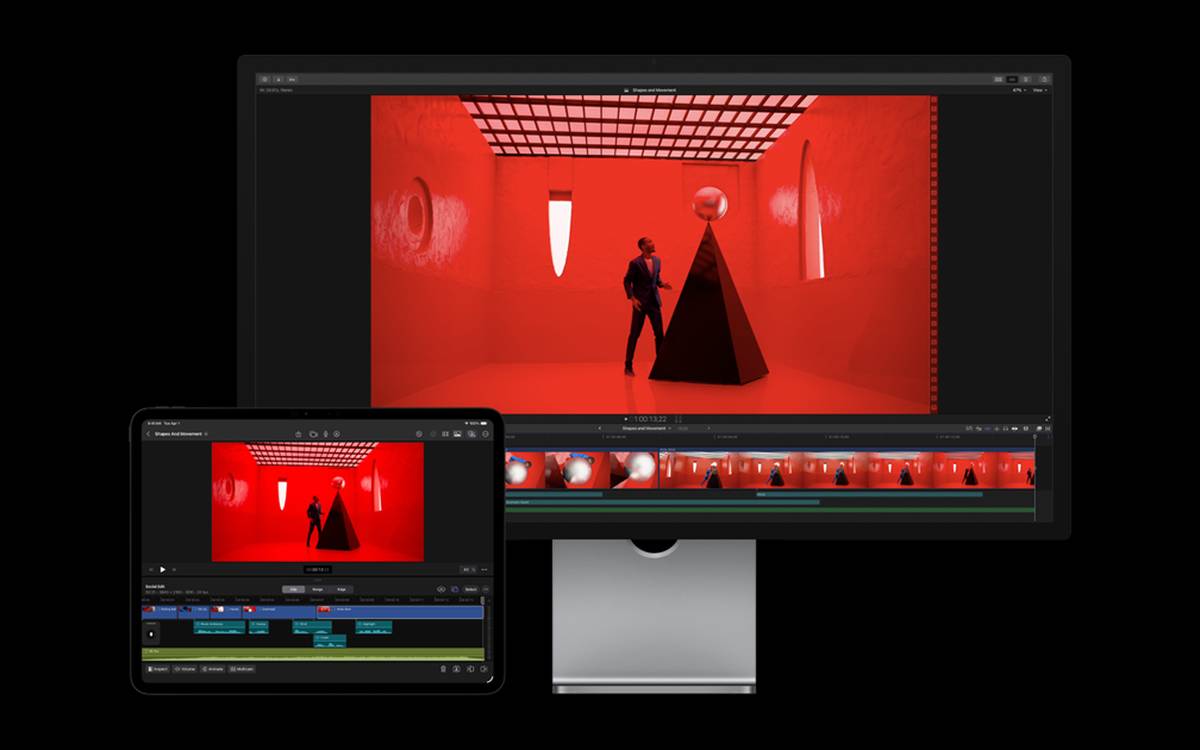
★★★★☆ · Edit a film by hand
Apple video-editing application for assembling and finishing a film.
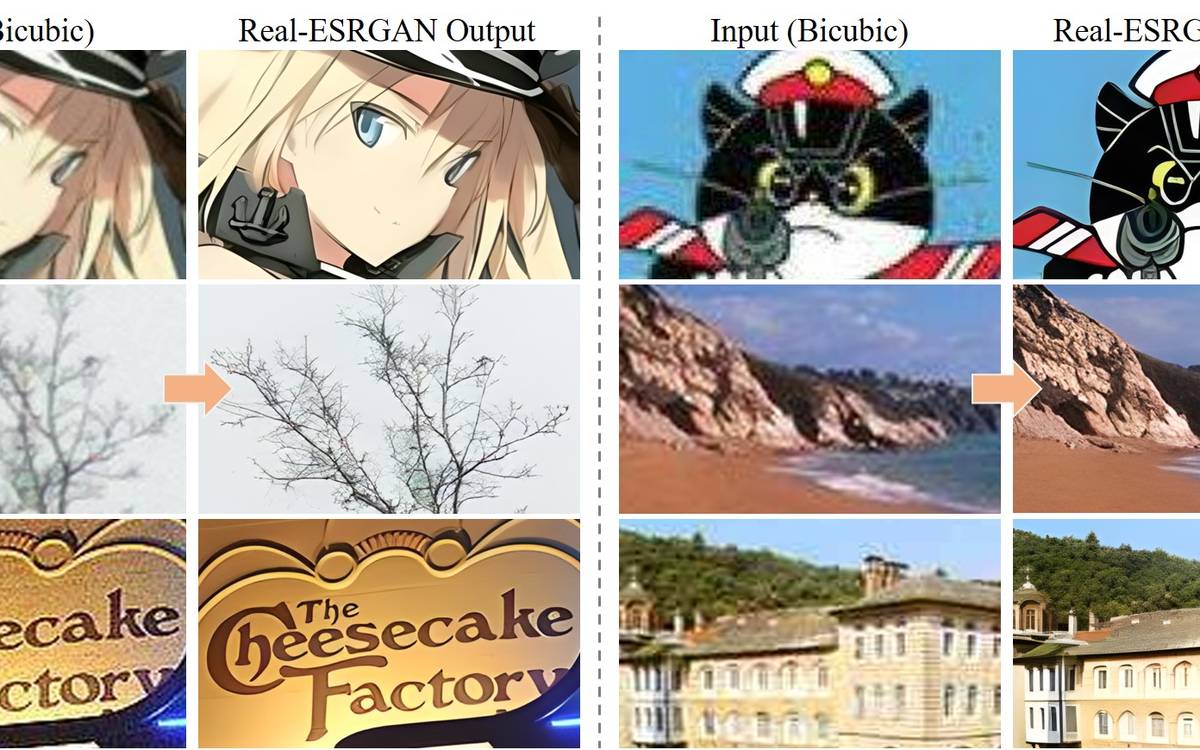
★★★★☆ · Restore and upscale media
Image/video restoration and upscaling project.
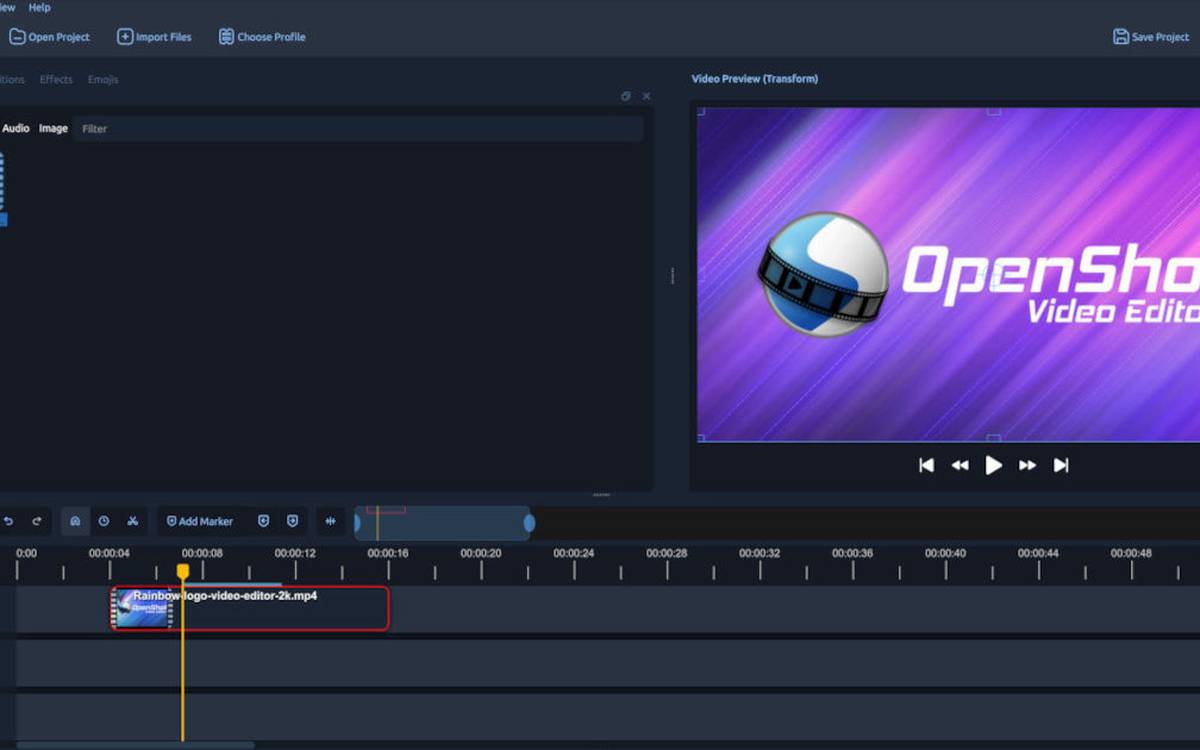
★★★☆☆ · Edit a film by hand
Open-source video editor with timeline editing and effects.
Not rated · Unresolved identities
Vendor name in the existing material; the exact editor/product is not specified.
Download source footage and rent the graphics card a model needs. Compare these tools
A person speaking on a page, and web pages that move, each have their own place.